Notion
But:
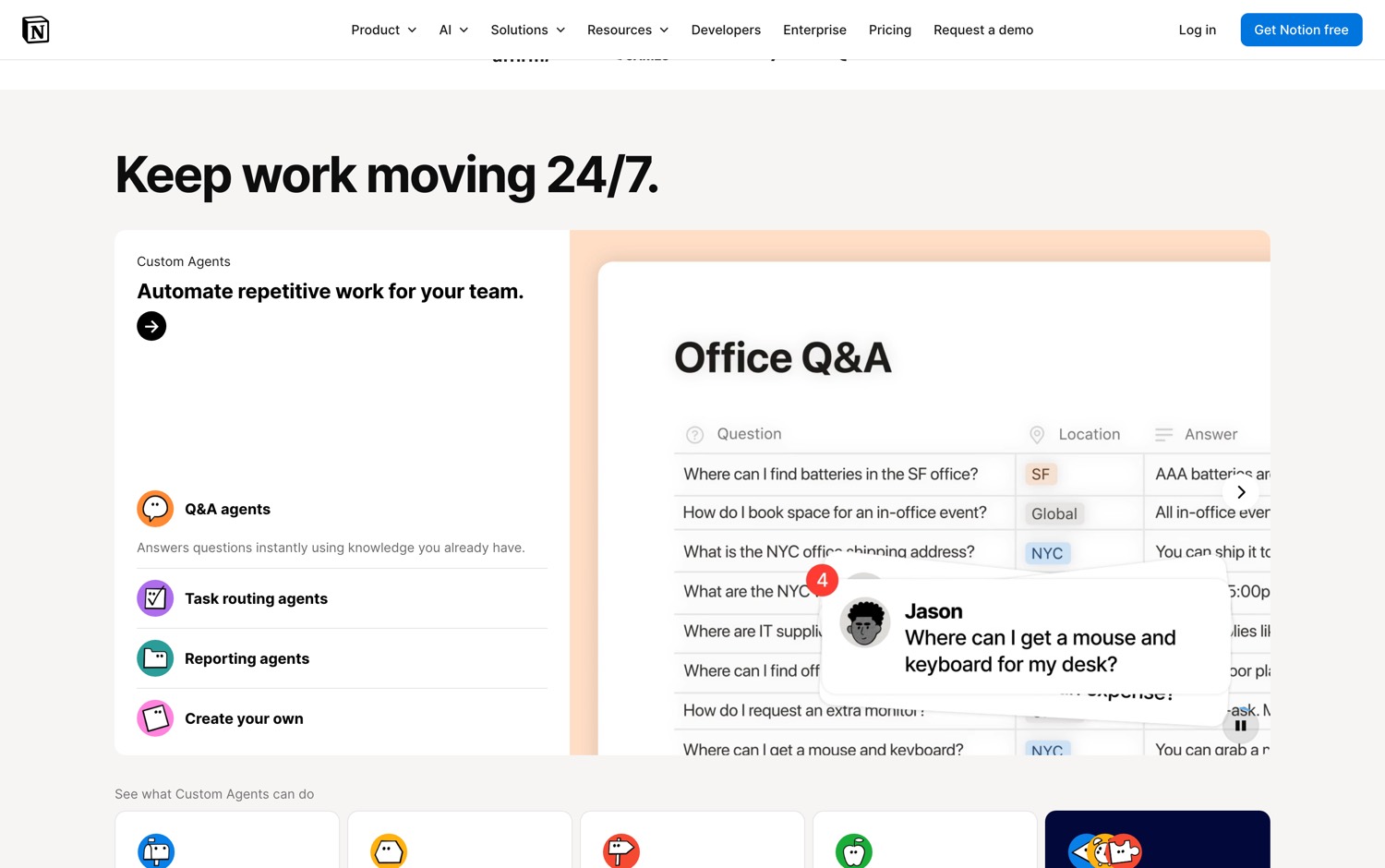
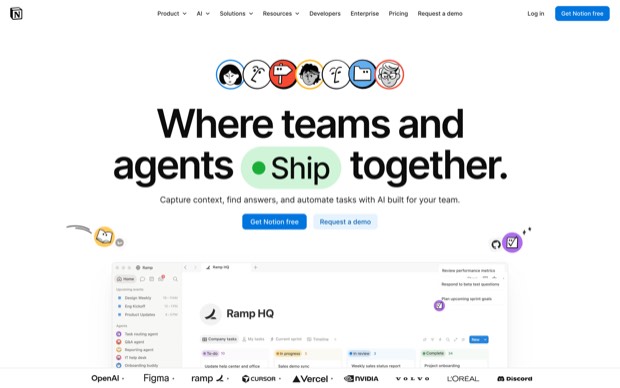
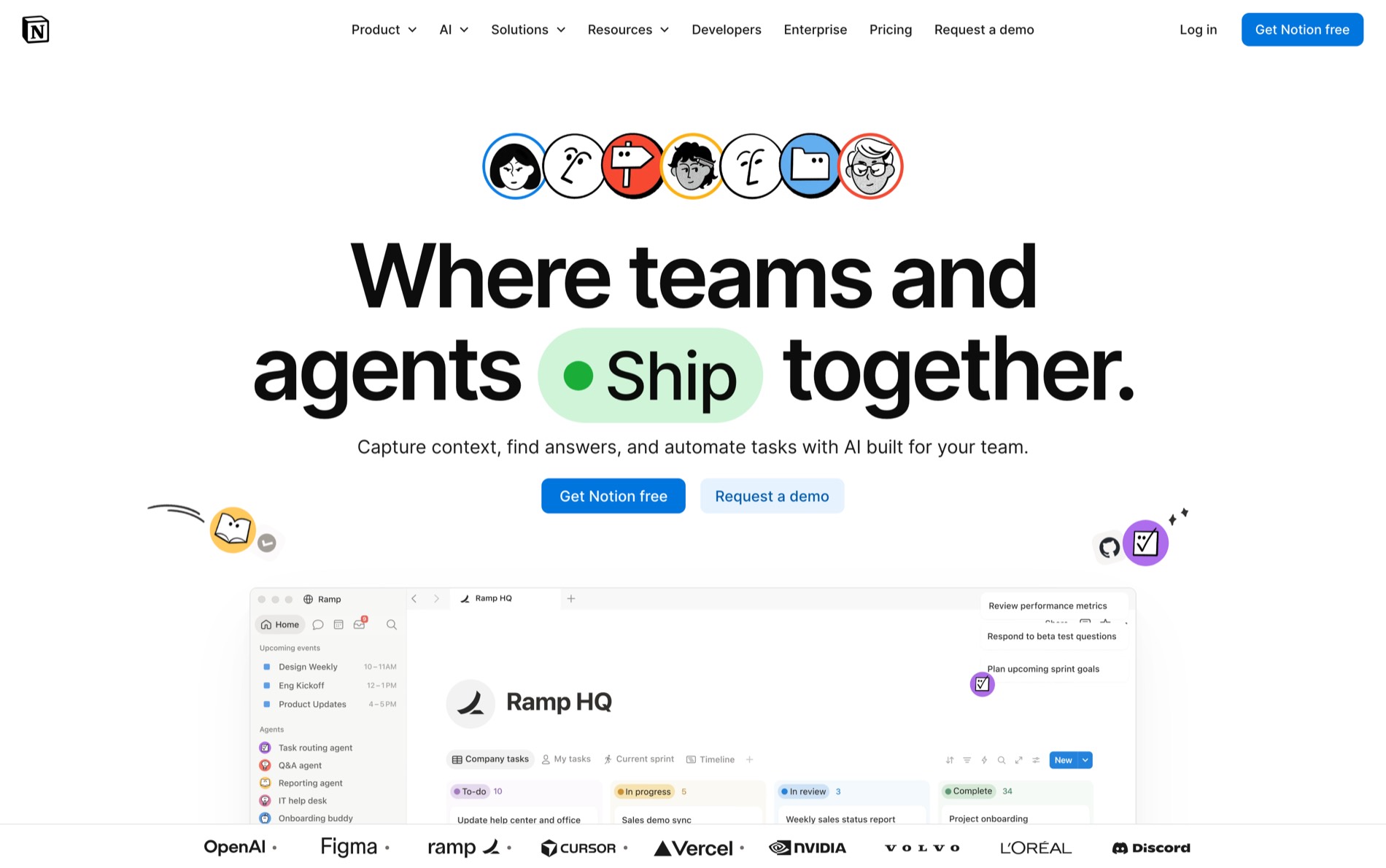
Your company's memory lives in Notion.
Every decision your team made is in Notion.
Every spec, every retro, every org chart, every offer letter is in Notion.


But:
Your company's memory lives in Notion.
Every decision your team made is in Notion.
Every spec, every retro, every org chart, every offer letter is in Notion.
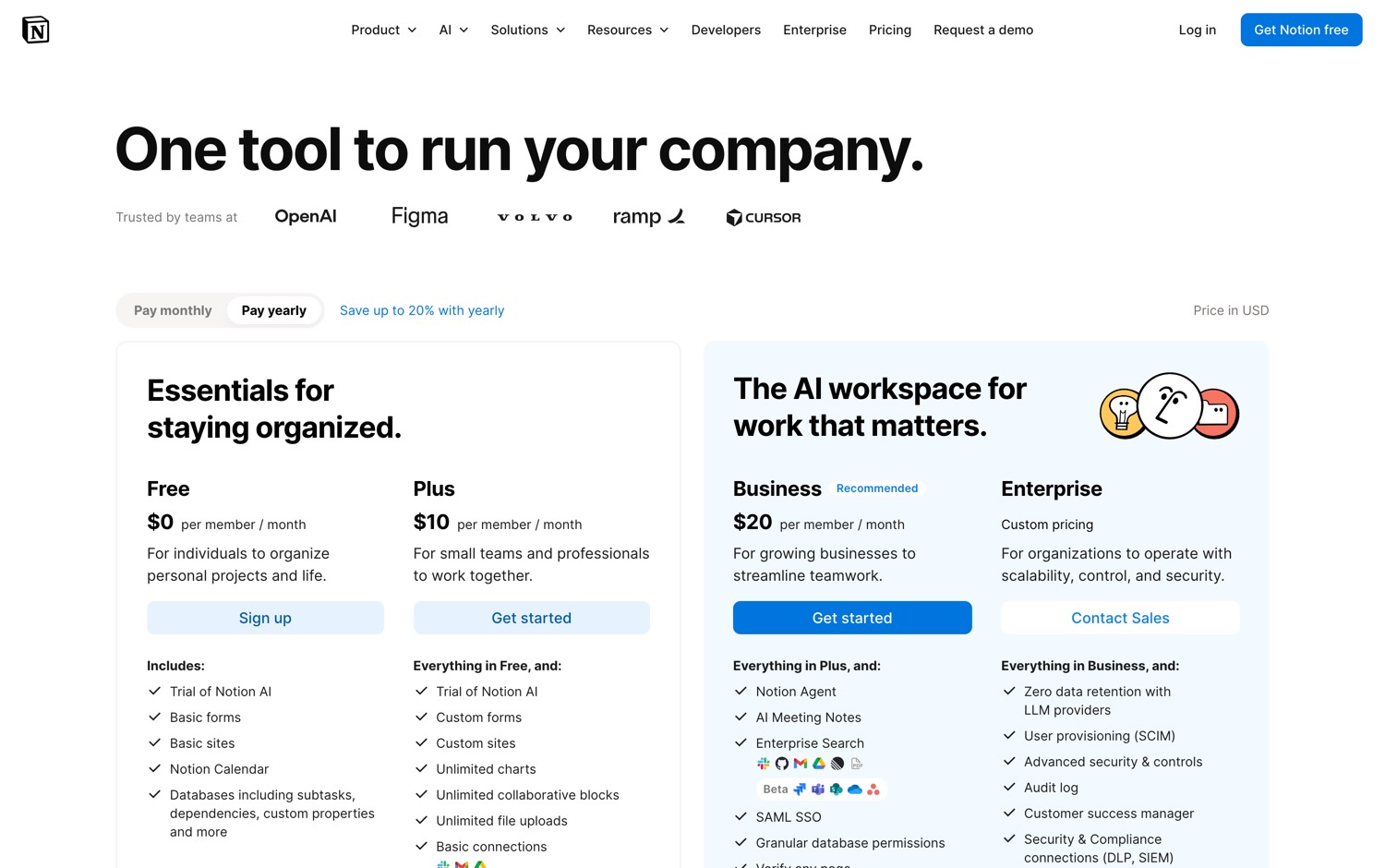
And Notion charges you $10 per seat per month to keep reading it.
On the business plan it goes up to $20. So a 10-person team on the business plan is $200 a month, before anybody has written a single word.
Then a team built the replacement in Flutter and Rust and gave it away.
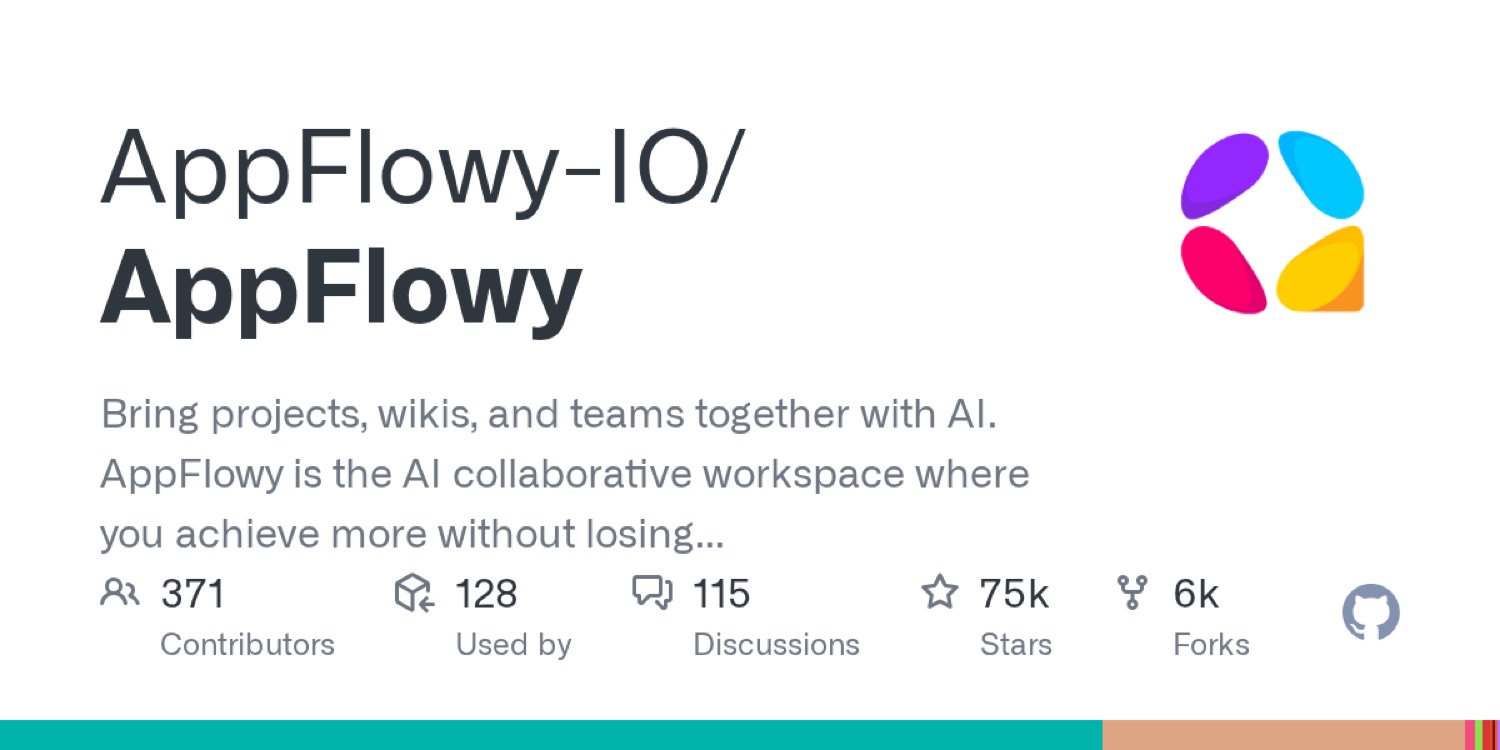
AppFlowy started in June 2021. The stated mission is one sentence: to make it possible for anyone to create apps that suit their needs well.
The 3 values they publish are data privacy first, a reliable native experience, and community-driven extensibility. They say plainly that individuals should get Notion's functionality with data security and a native cross-platform experience, and that enterprises should get 100% control of their data.
AppFlowy is the open source alternative to Notion.
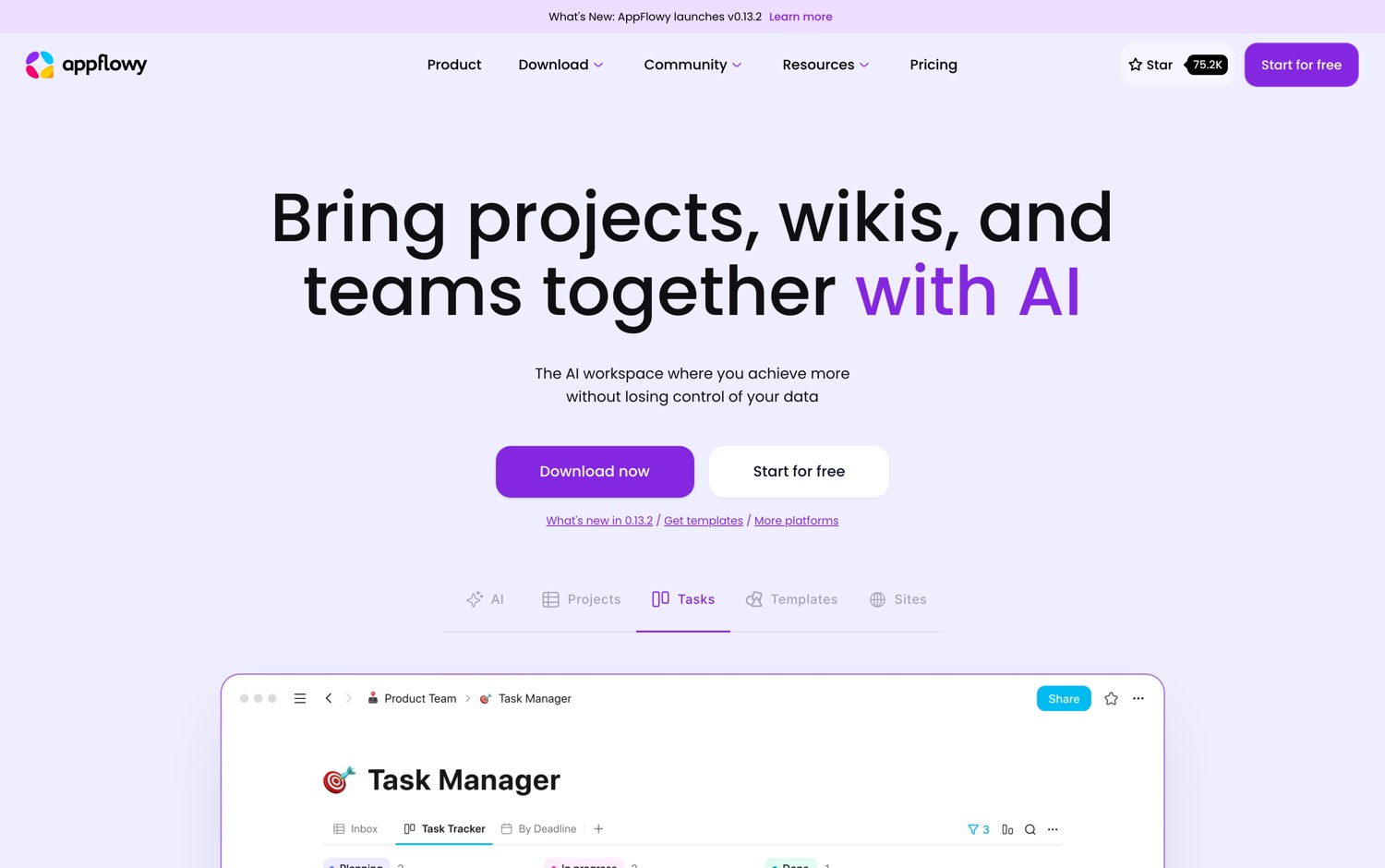
Now here is the part that actually matters. It is not a web page in a costume. The front end is Flutter and the back end is Rust, which means the desktop app is a real compiled application, not a browser tab pretending to be one.
75,000 people have starred it. 362 have contributed. There have been 141 releases.
Here is what AppFlowy ships:
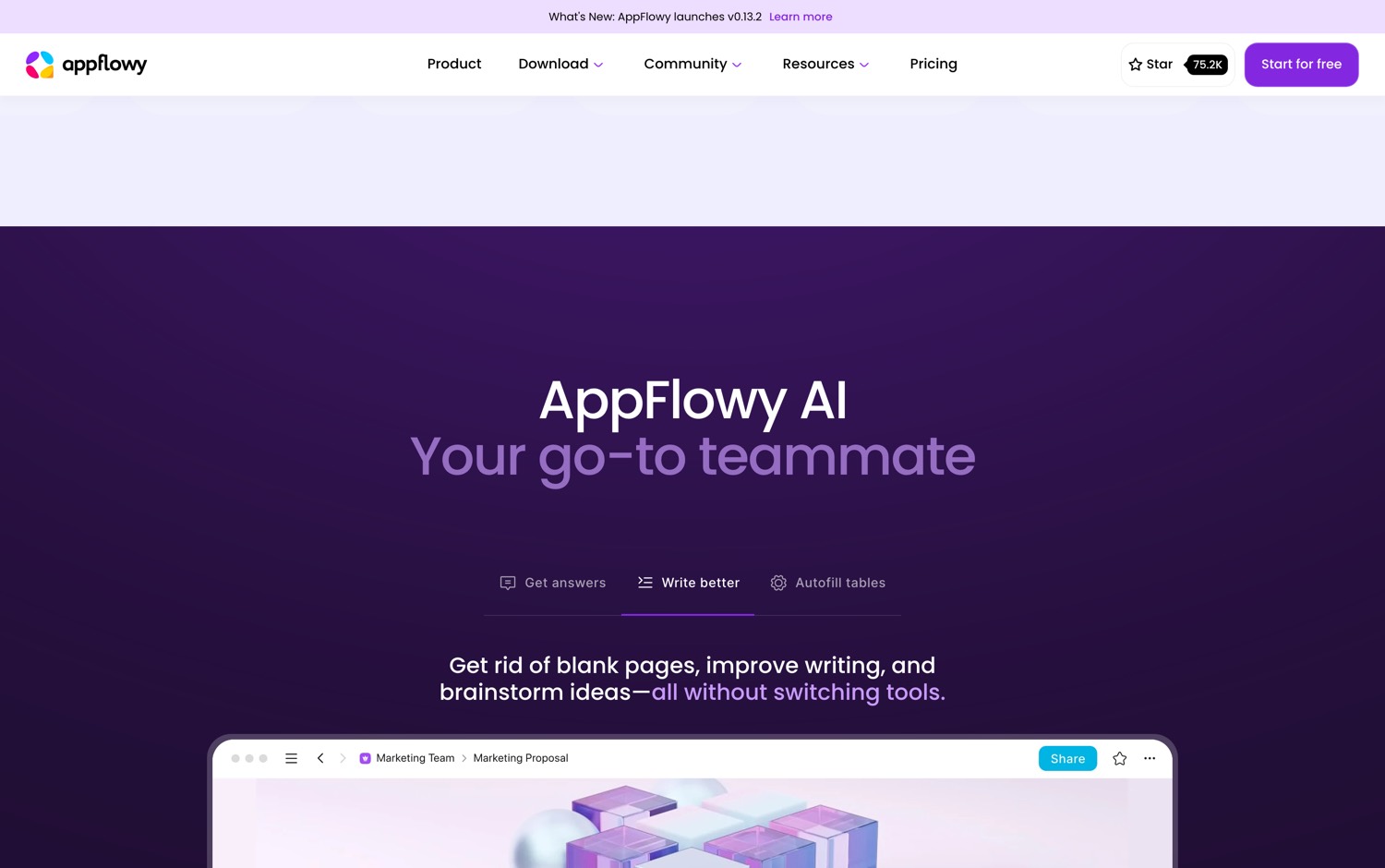
…what AppFlowy ships, continued
Worth Noticing:
AppFlowy Inc. is a company, and there is a hosted cloud offering next to the open source project. Self-hosting is documented and real, but you are taking on a database and an upgrade path. If nobody on your team wants to own that, the seat fee was buying you an operations department.
But:
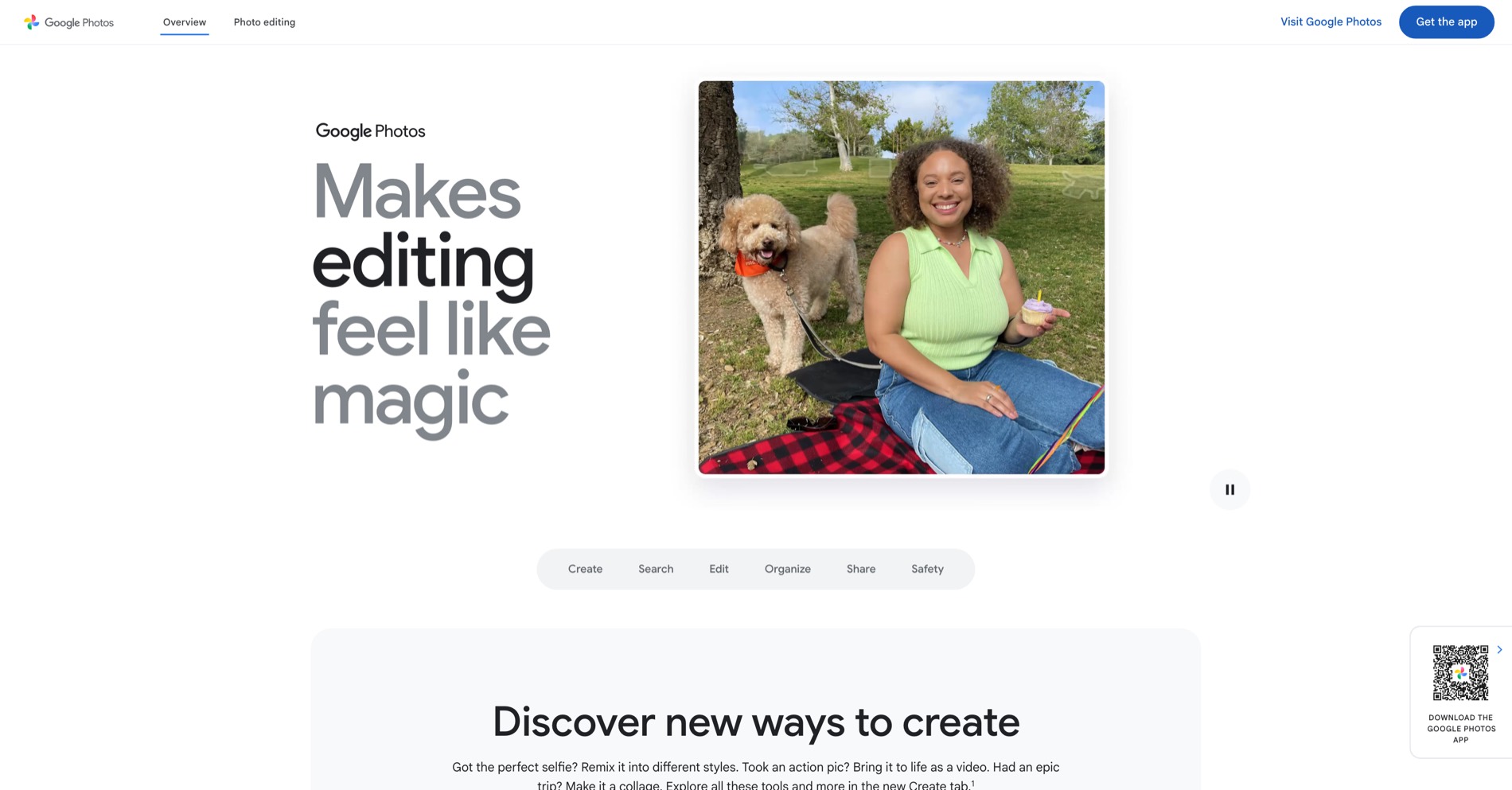
Google Photos knows what your children looked like at 4 years old.
Google Photos knows which hospital they were delivered in.
Google Photos even knows the exact coordinates of the house you grew up in. (EXIF reveals it.)
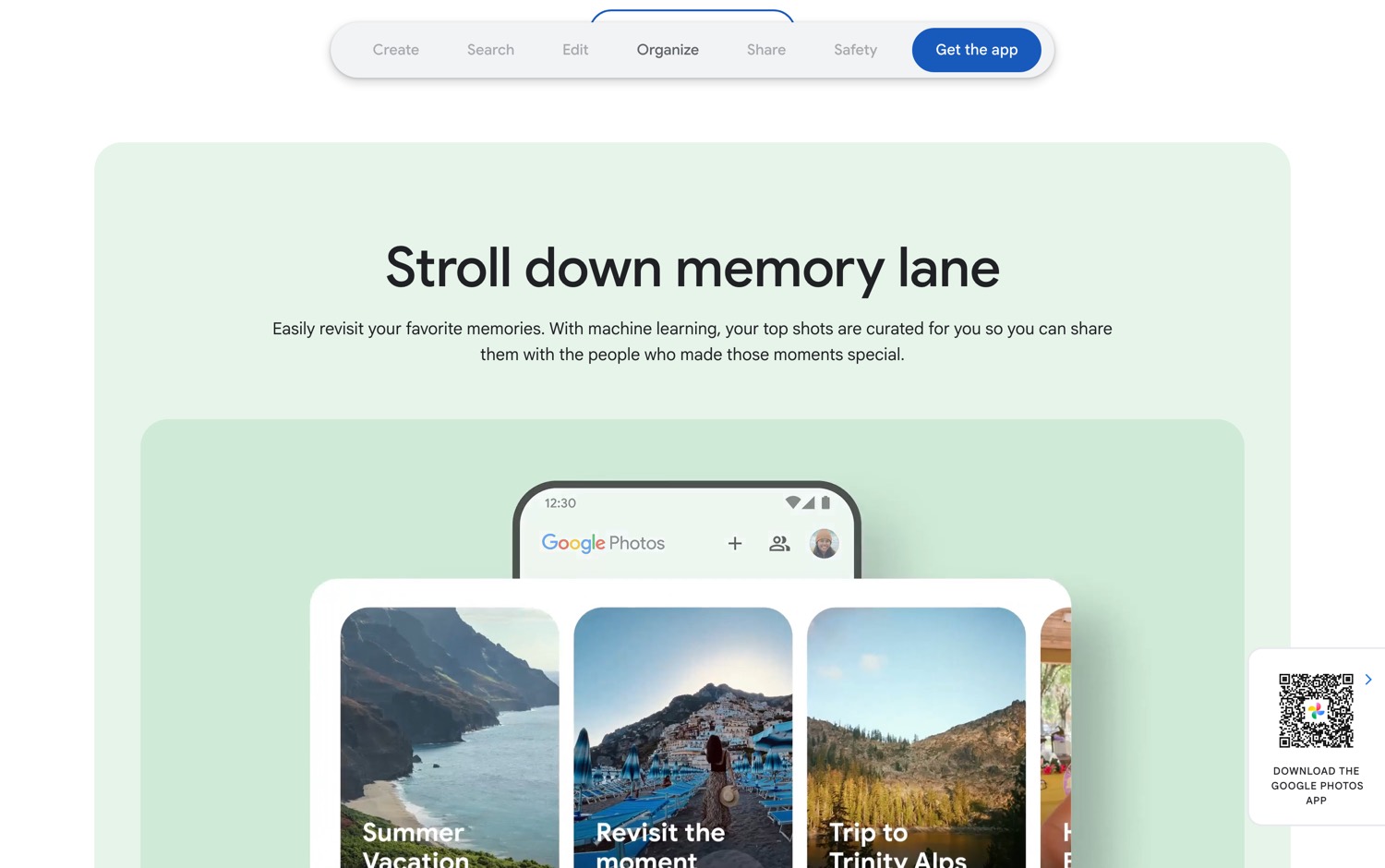
And Google charges you rent to keep any of it.
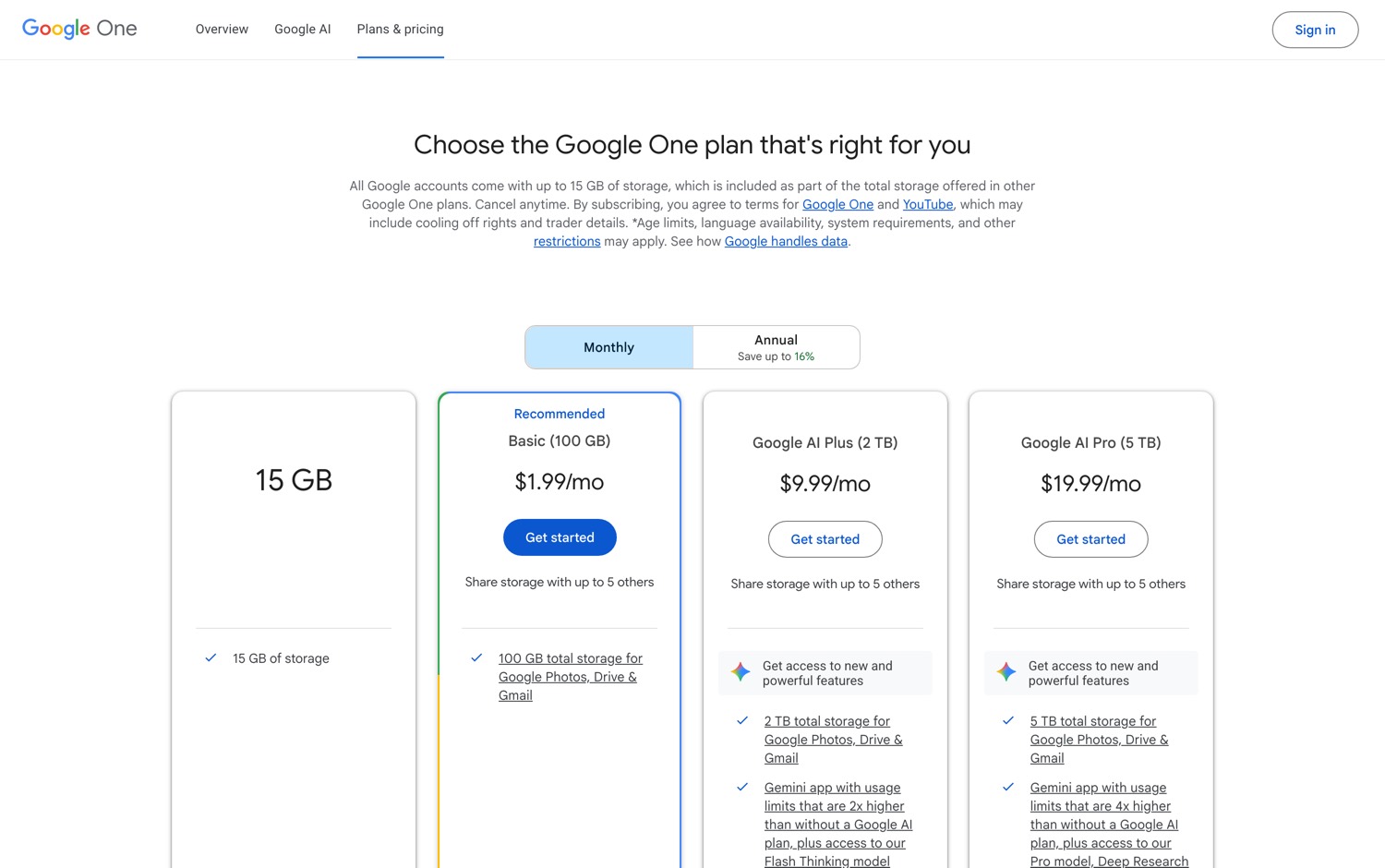
Then a developer built the replacement, and a team picked it up full time.
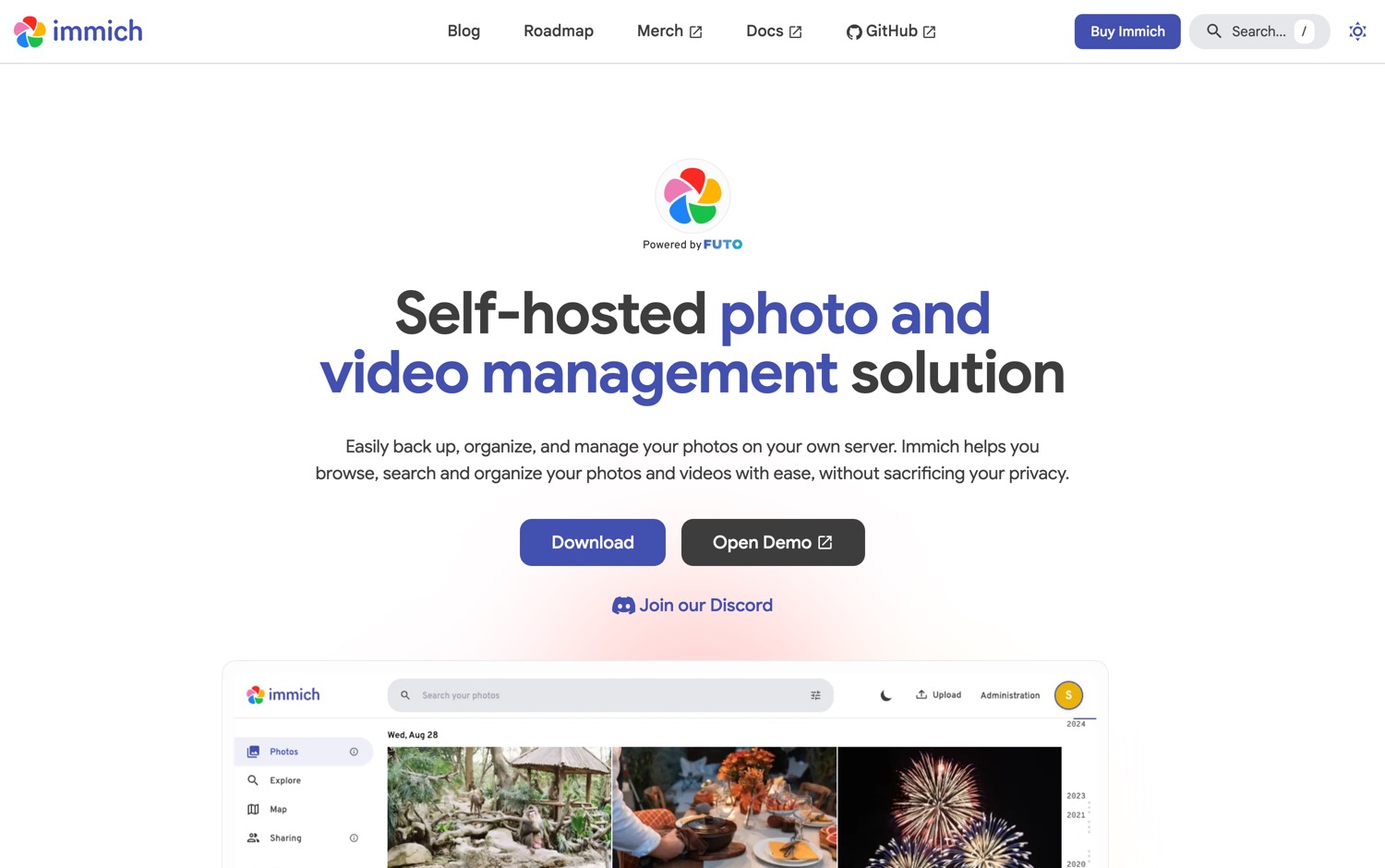
Immich is the self-hosted alternative to Google Photos.
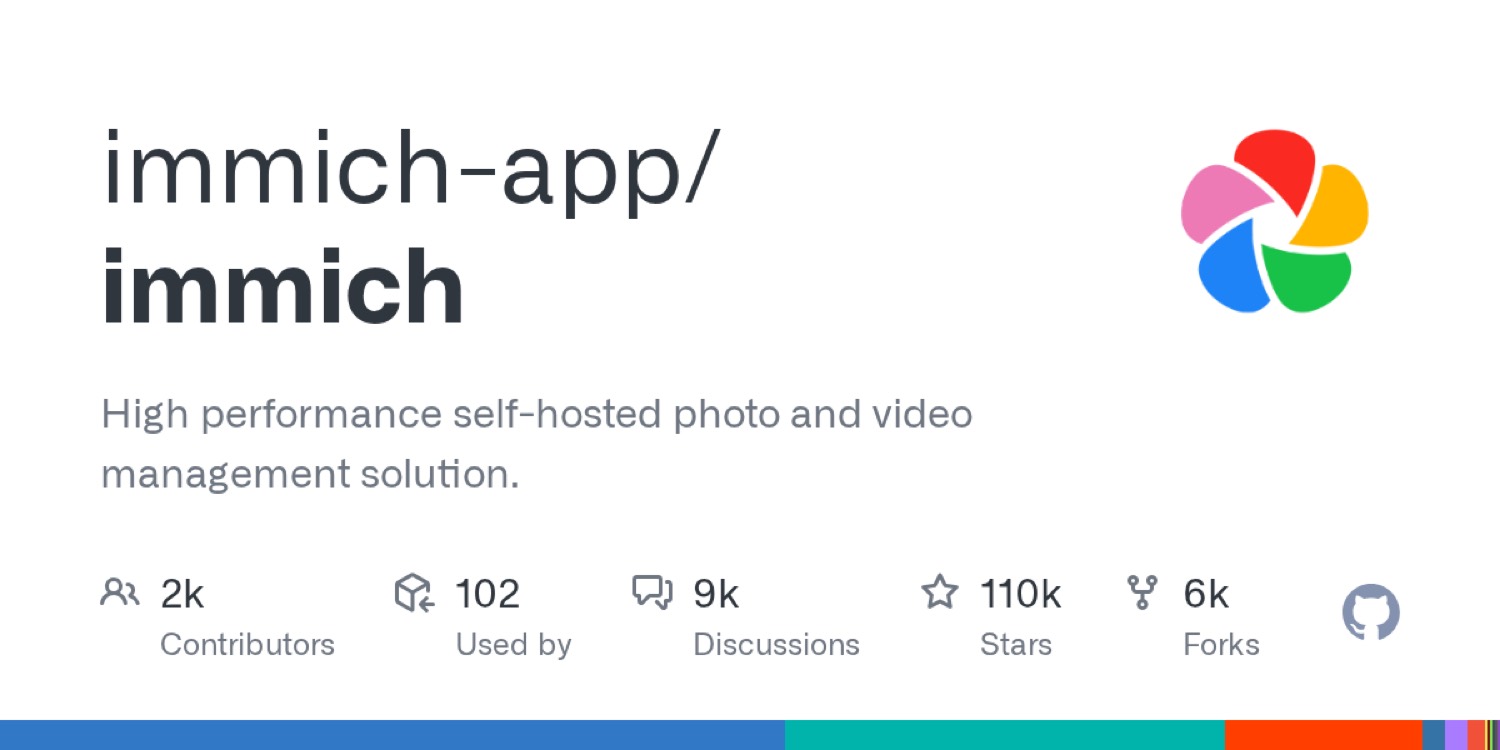
Now look at the numbers. It has taken 110,000 stars in 4 years. 463 people contributed to it. There have been 305 releases.
This is not a weekend project. It's a team shipping like a funded company, except nobody is metering your gigabytes.
Here is what Immich ships:
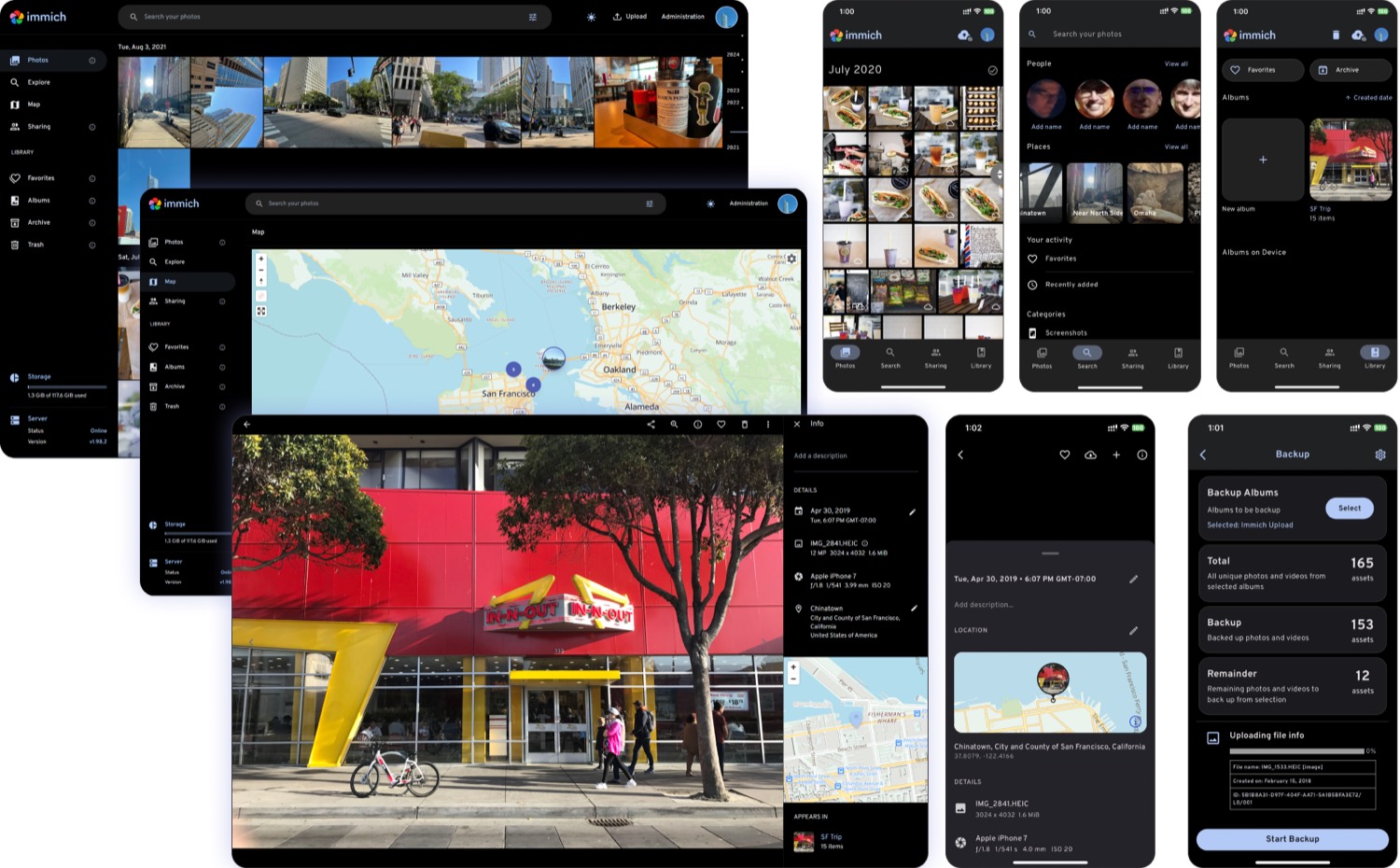
…what Immich ships, continued
Worth Noticing:
The README opens with a warning to always follow a 3-2-1 backup plan for your photos and videos. That warning is there because self-hosting moves the risk onto you. Google's redundancy was never free, you were paying for it in dollars and in surveillance. Now you pay for it in discipline. Buy the second drive.
The Next New Thing




But:
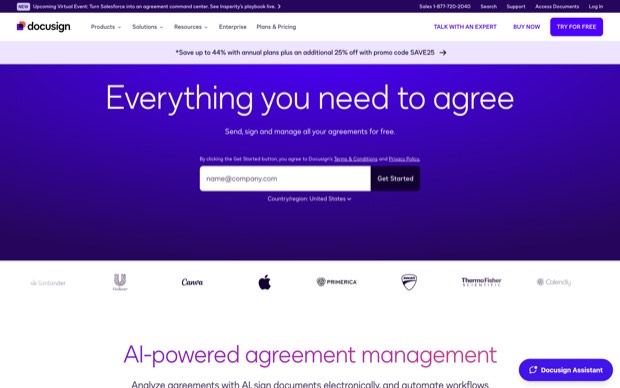
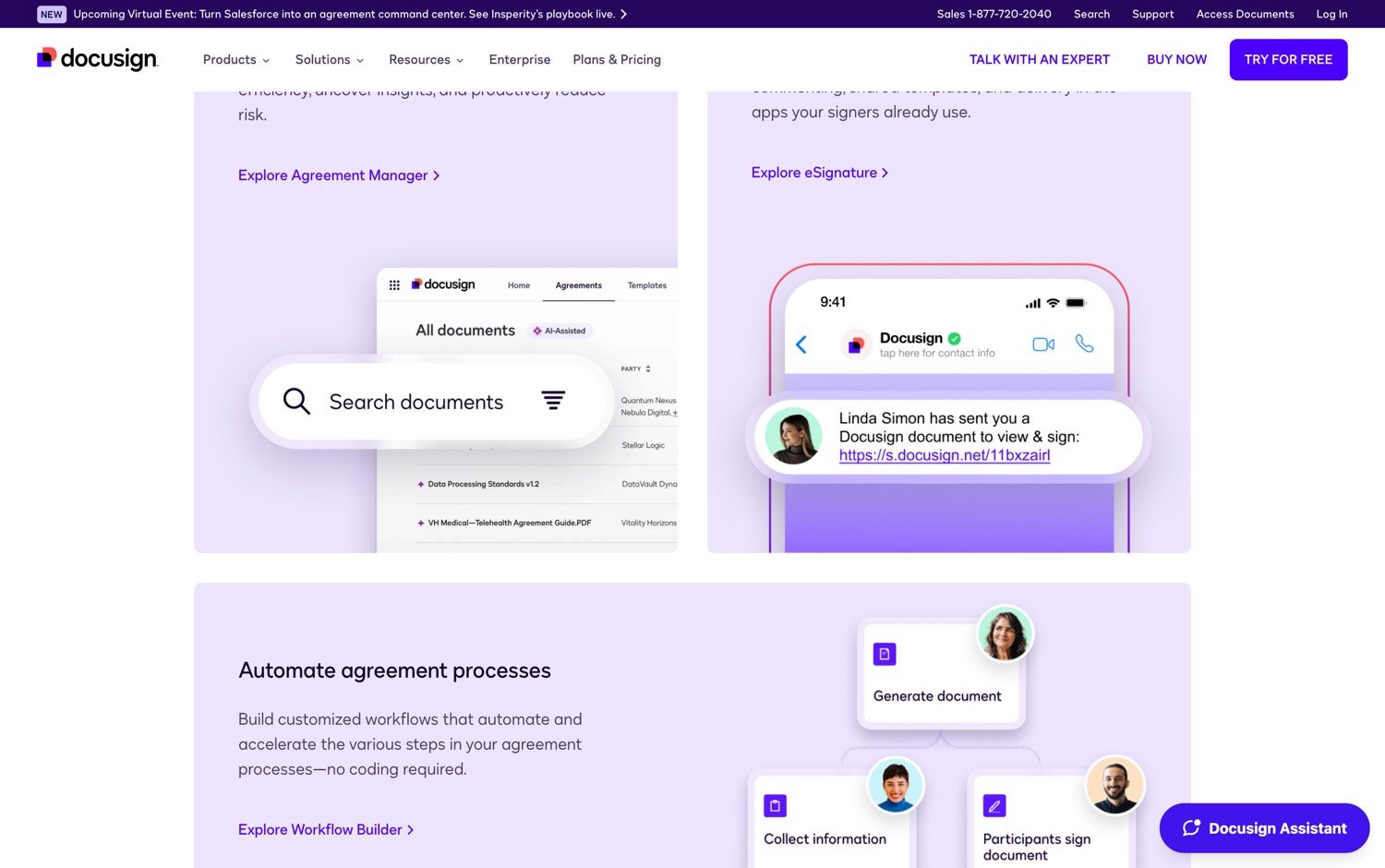
DocuSign charges you $11 a month and gives you 5 envelopes.
5. Not 500. 5 signatures in a month, and then you wait.
For one person that is $132 / year to sign 5 things a month.
For a company it is $45 a month for every single employee who ever needs to sign anything.
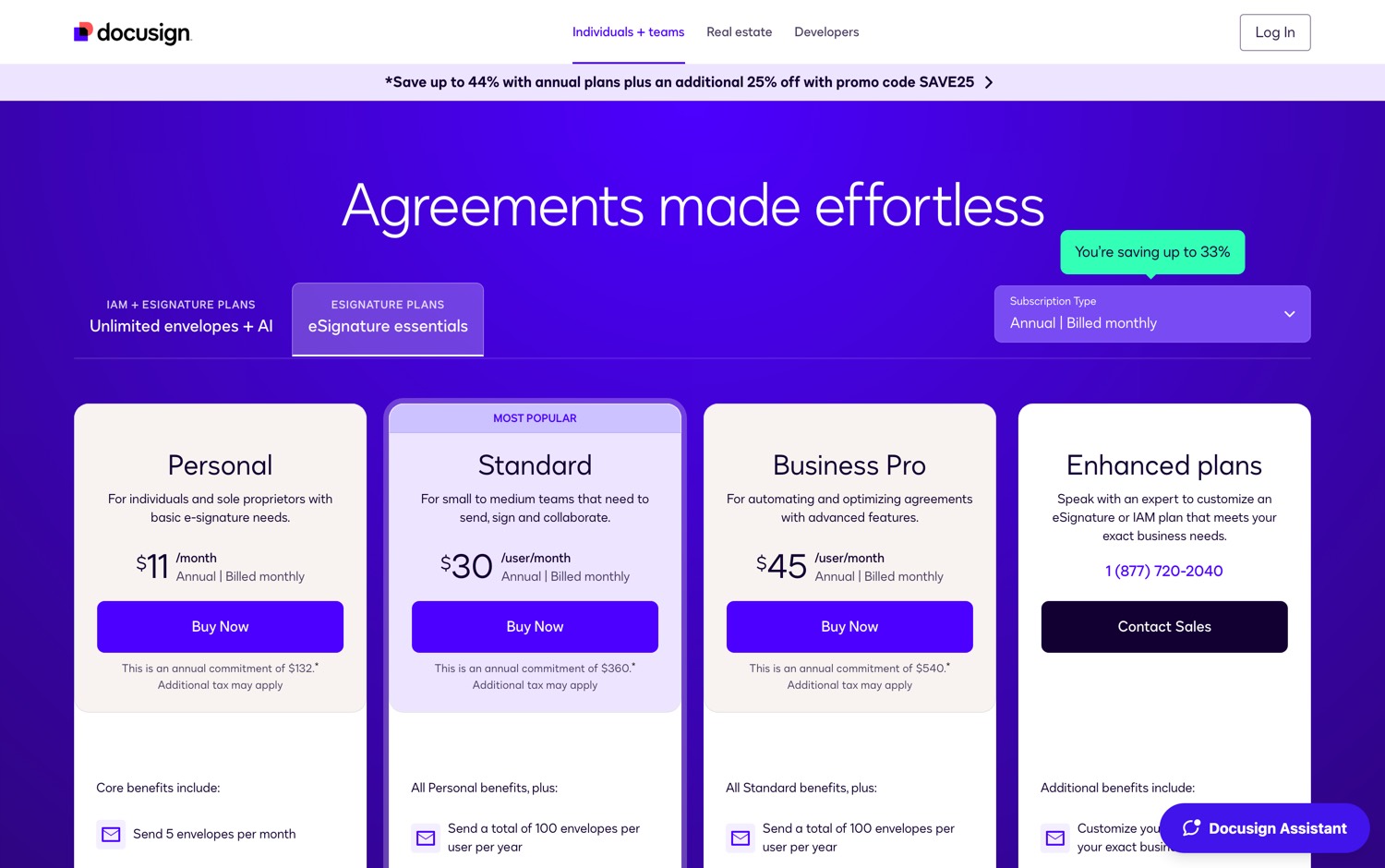
And each of them is still capped at 100 signatures a year.
This is the signature layer of the entire economy. Employment contracts. Mortgages. Custody agreements. Every serious moment of an adult life passes through it. And it is metered like a vending machine.
Then 2 developers built the replacement.
They announced it in December 2022 and shipped the first release the following year. One of them wrote that he started it because he wanted to build a company with a mission bigger than money, and because he had always cared about encryption and about making the world more open. He decided document signing should be a public good rather than a private tollbooth.
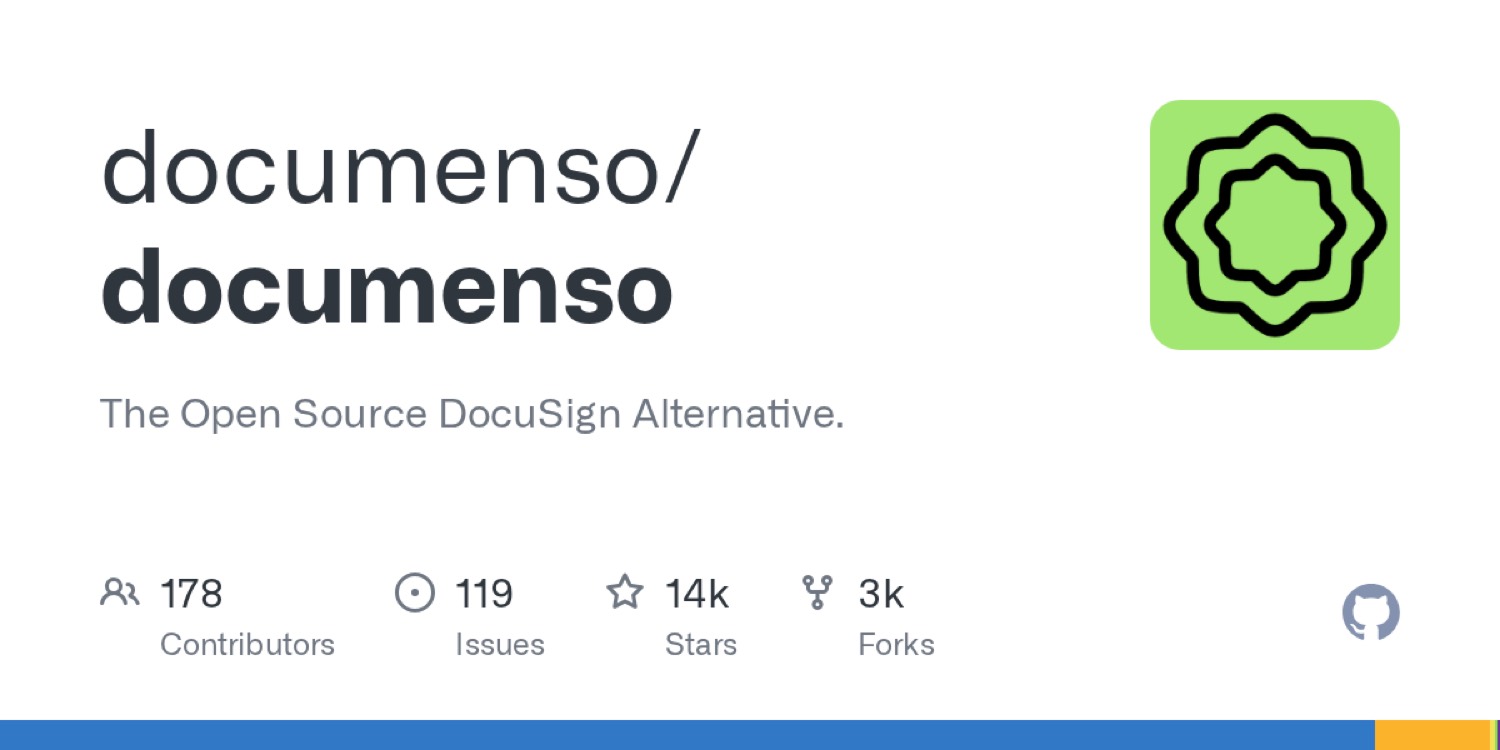
Documenso is the open source alternative to DocuSign.
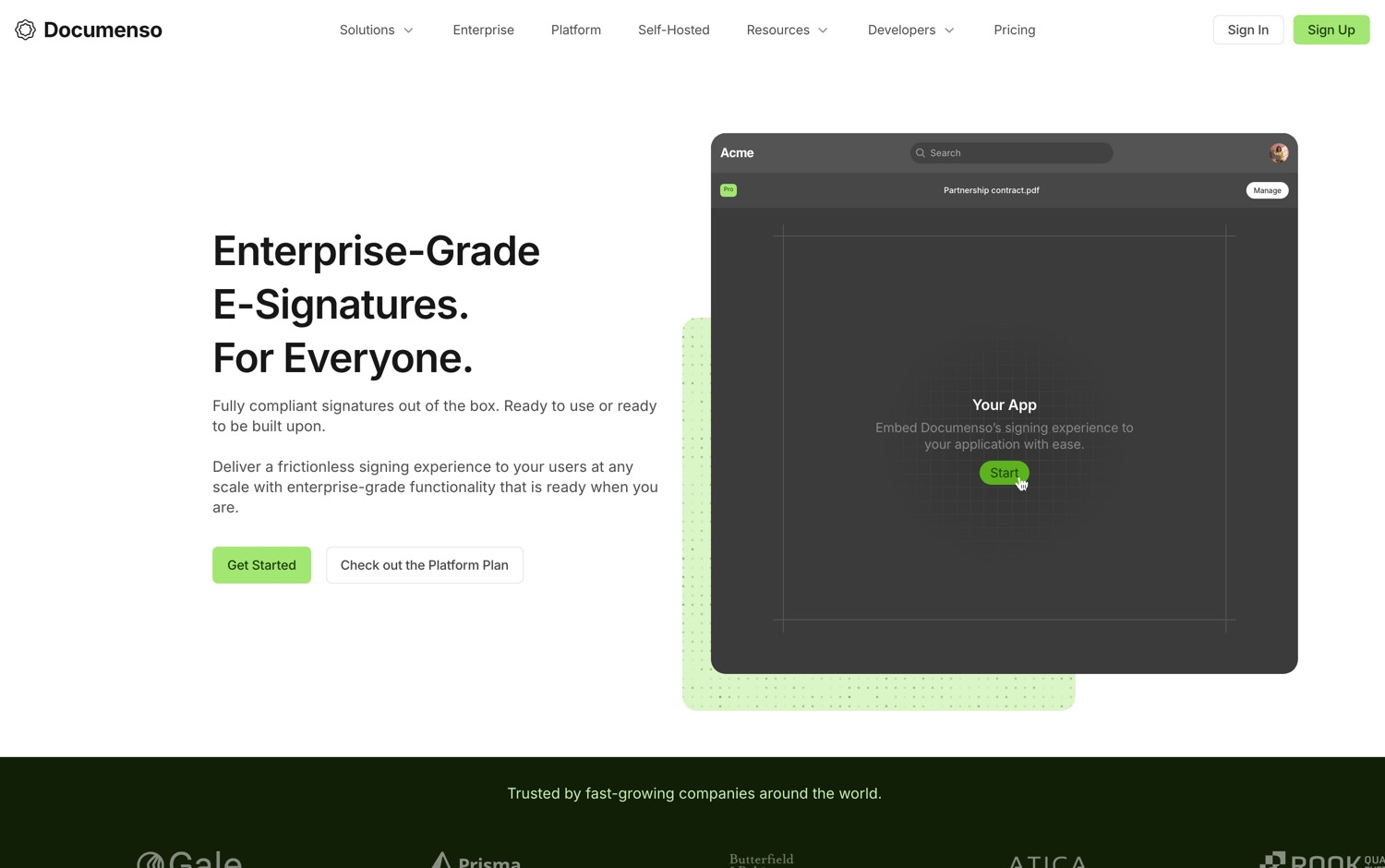
But the savings are not the real story. When you self-host a signing platform, you are not just saving $45. You are removing a third party from the chain of custody of your own legal evidence. Every contract you have ever signed electronically has a witness you did not choose and cannot audit. Documenso lets you read the code that witnesses your signature. Their words: you can read, audit, run, and fork it.
Here is what Documenso ships:
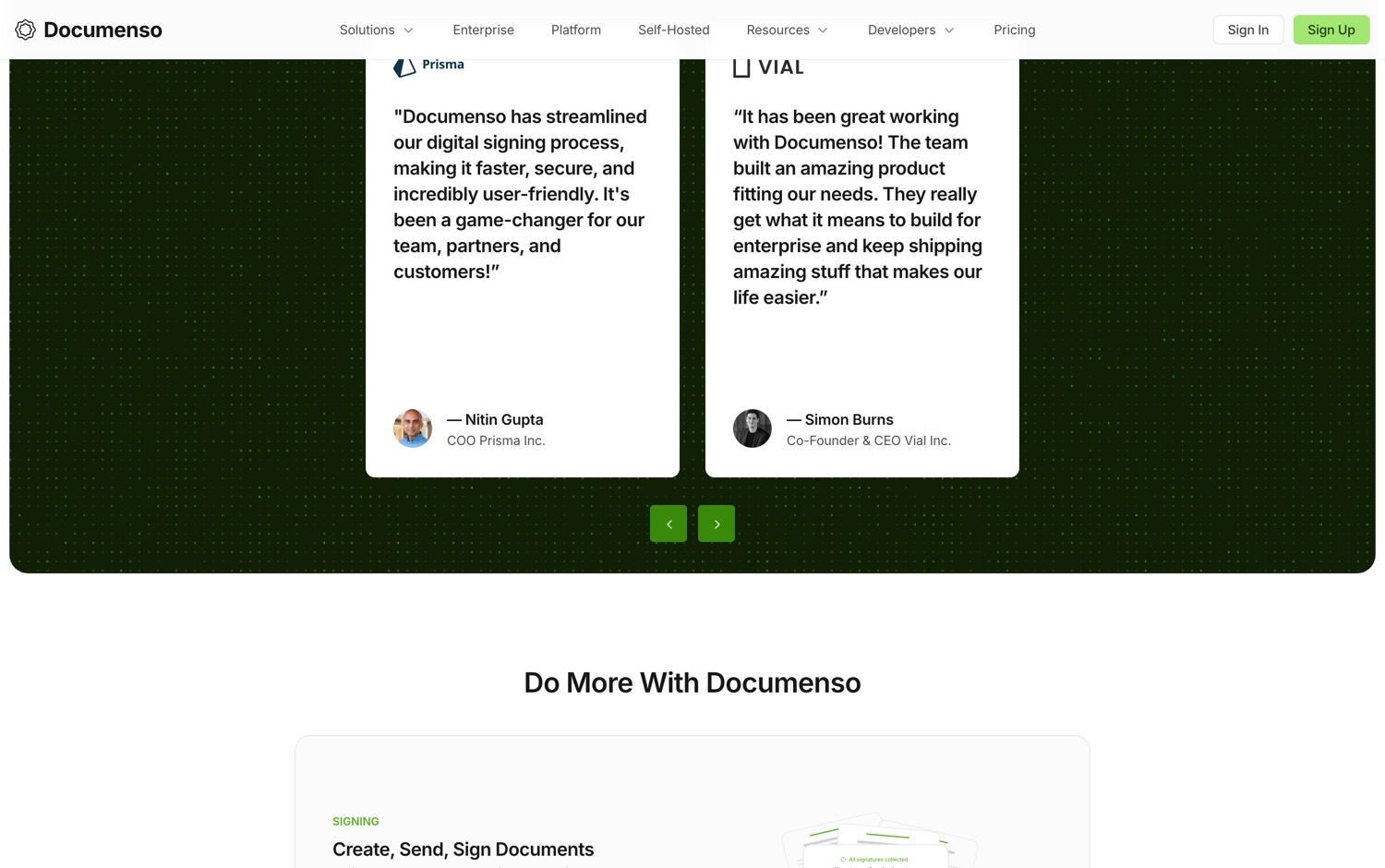
…what Documenso ships, continued
Worth Noticing:
There is a commercial Enterprise plan sold alongside the open source project, for organizations that want extra flexibility and control. That is the business model that pays the maintainers. It does not paywall the core, but know that a company sits behind this and has revenue goals.
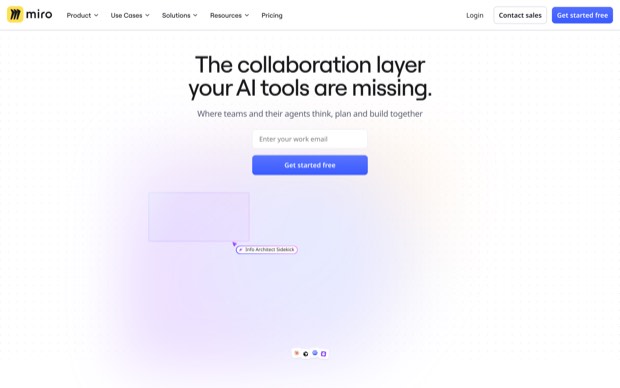
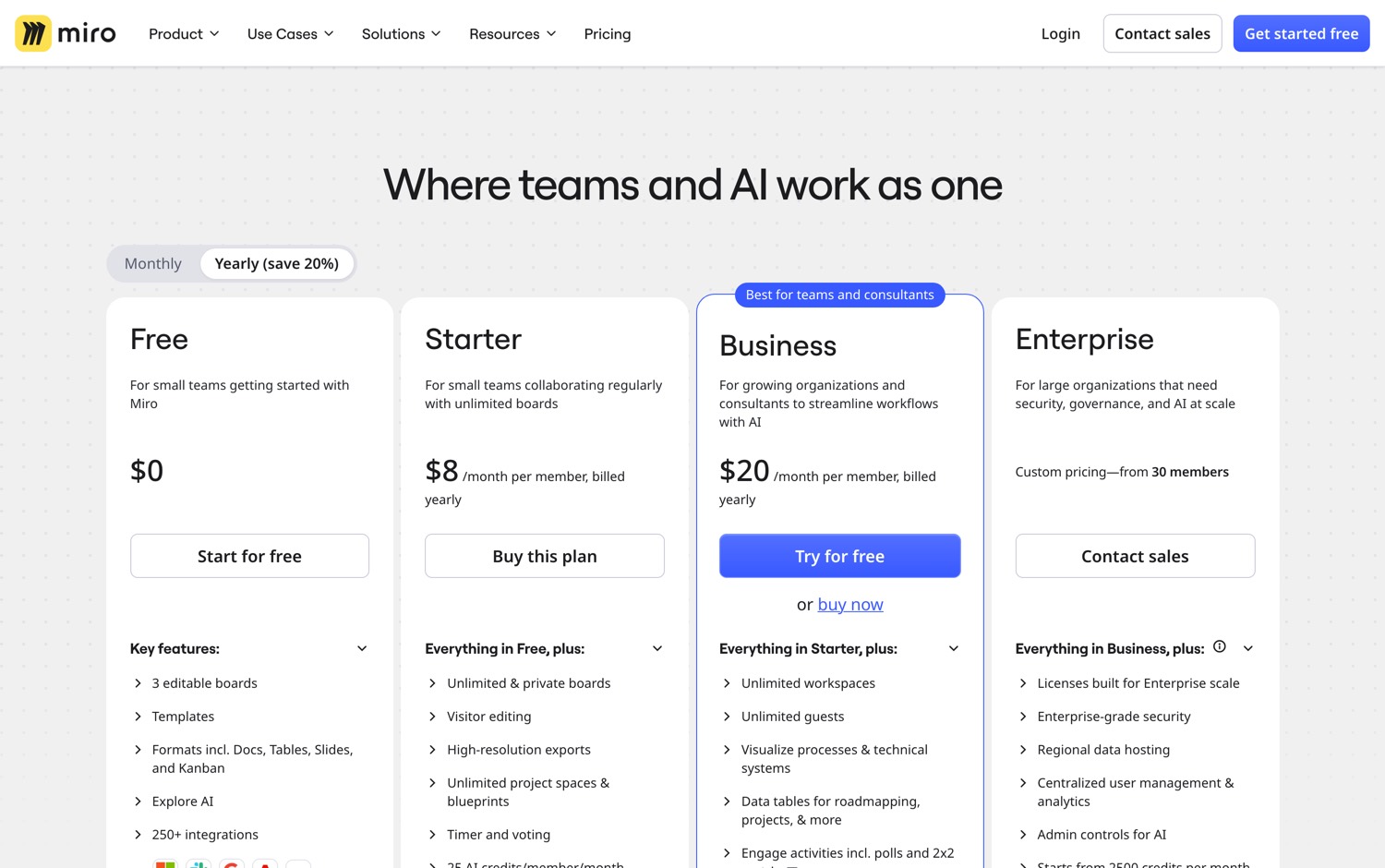
Miro charges $8 per member per month to draw a box with an arrow coming out of it. $20 per member on Business. Enterprise will not even quote you a price until you bring 30 people.
And when the trial ends, the board does not delete. It locks. Your architecture diagram is still there, visible, greyed out, hostage.
Then a group of developers built the whiteboard everybody actually uses and put it under the MIT license.
Excalidraw went on GitHub in January 2020. It has 129,000 stars. For a whiteboard.
Excalidraw is the free and open source alternative to Miro.
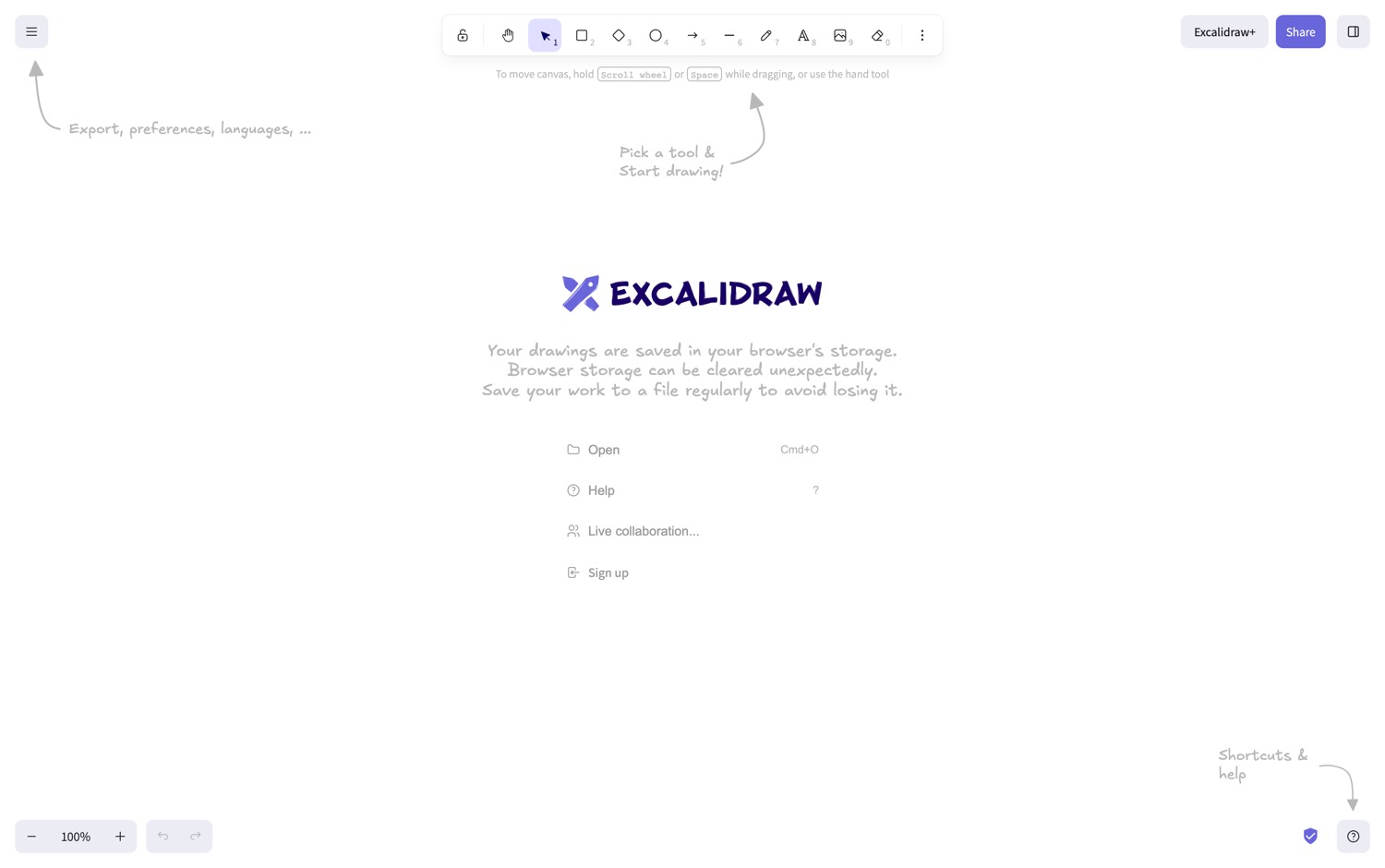
Here is the wildest part. There is no signup wall. You open the page and the tool is just there, working, with no email capture and no trial clock. That is a product decision almost nobody makes anymore, and it is the reason it became the default.
Here is what Excalidraw ships:
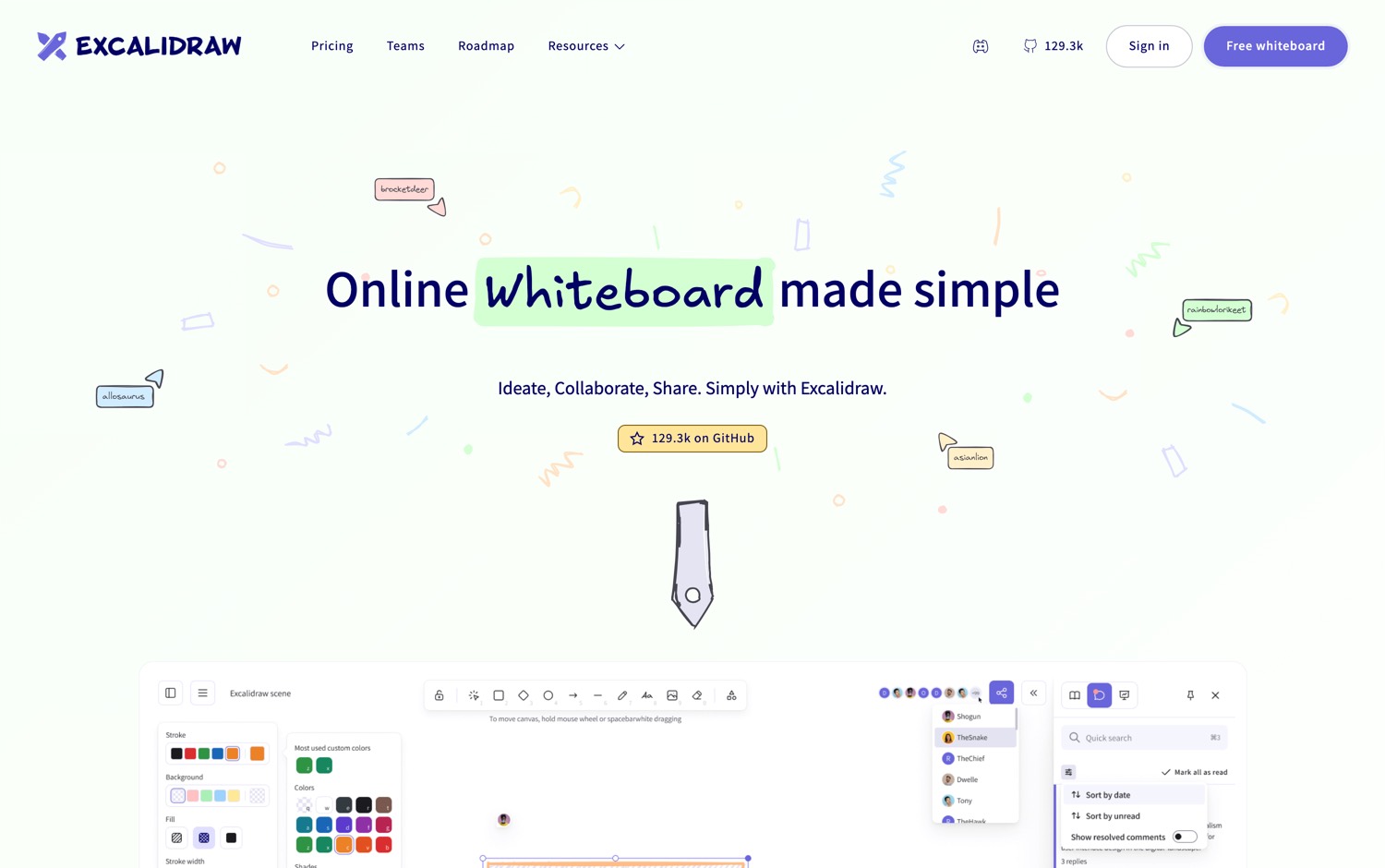
…what Excalidraw ships, continued
Worth Noticing:
The end-to-end encrypted live collaboration is a feature of the hosted excalidraw.com application. The repository is the editor itself, and it is what you embed or build on. Running a full collaborative server yourself is a bigger job than running the editor. For solo drawing and for embedding, this is a non-issue.
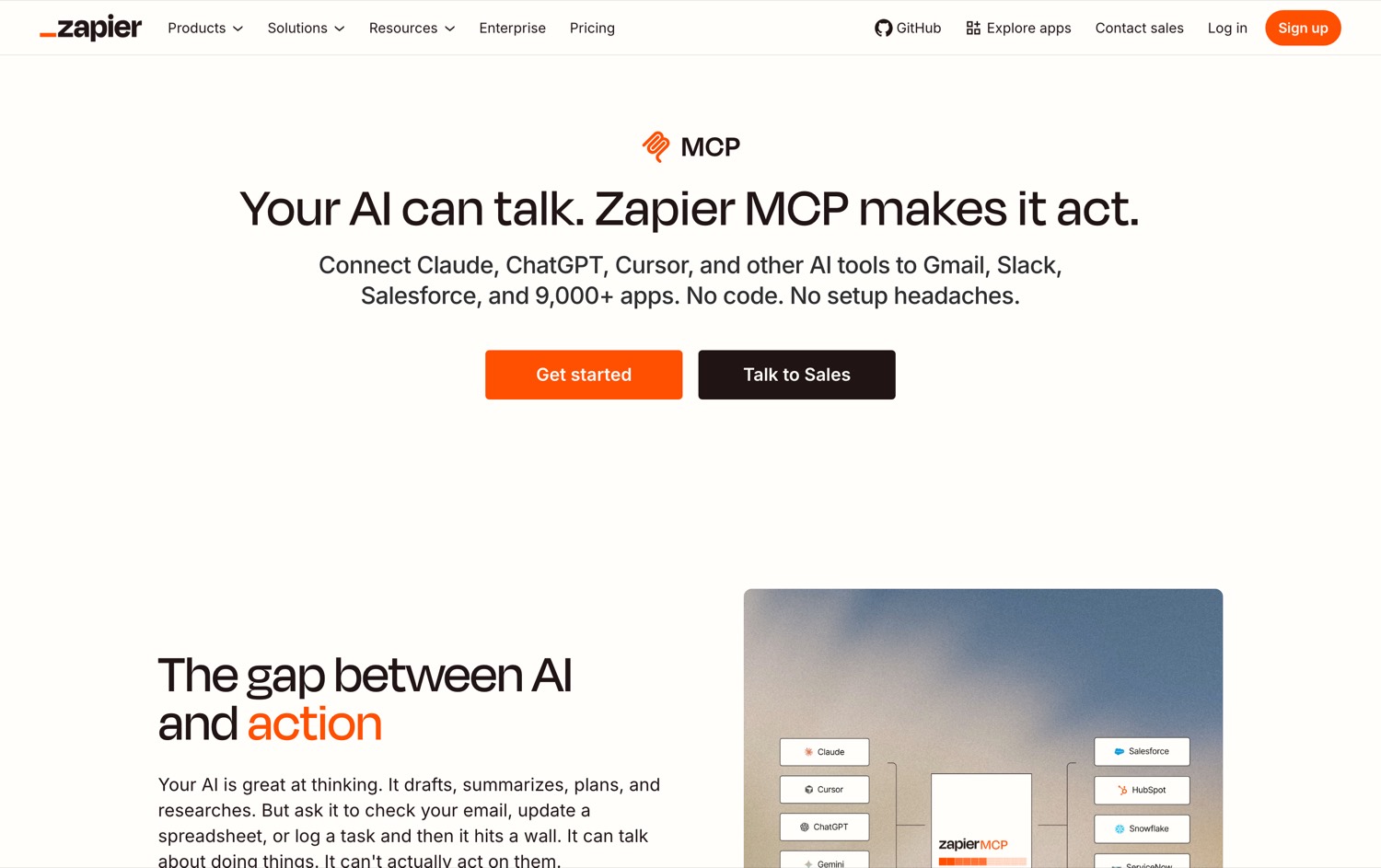
One MCP URL, 8,000+ tools your agent can call — Gmail, Google Calendar, Asana, Notion, and thousands more. No code. No glue.
I’ve used Zapier across multiple businesses for over 10 years. They’ve been doing automation reliably long before this moment — and the MCP service brings that same reliability to any AI agent you’re building with.
But:
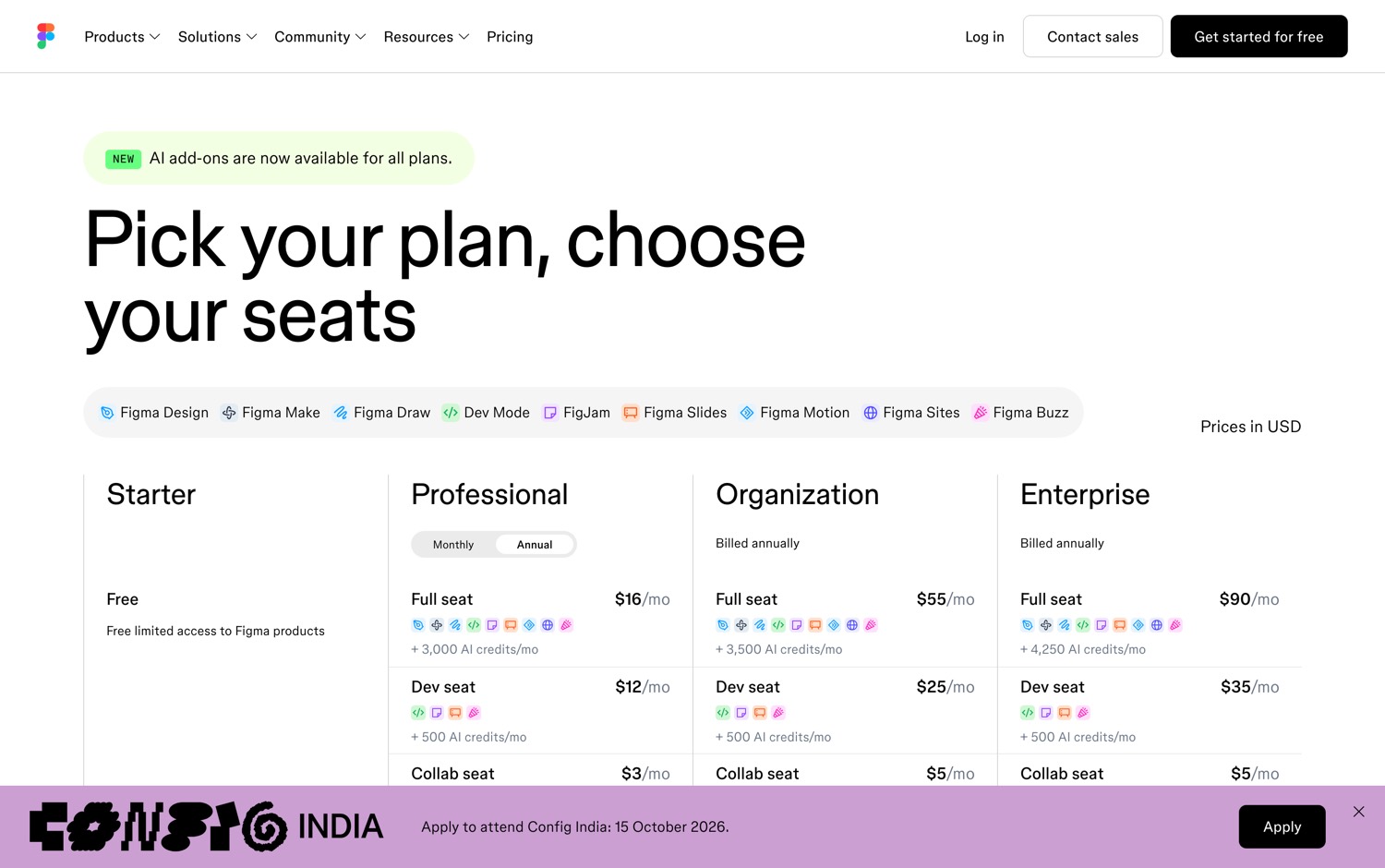
Figma charges $16 a month for one full seat.
And then there is the part that makes people angry. Figma charges your developers to look. A dev seat is $12 a month on the cheapest plan and $35 on the most expensive. Your engineers are not designing anything. They are reading a spec.
At the top of their pricing, one person with a full seat costs $90 a month.
Then a company in Spain built the replacement, and they started before anyone thought Figma could be beaten.
Penpot went up in December 2015. That is more than 10 years of work on a design tool given away for free, begun when Figma was barely public.
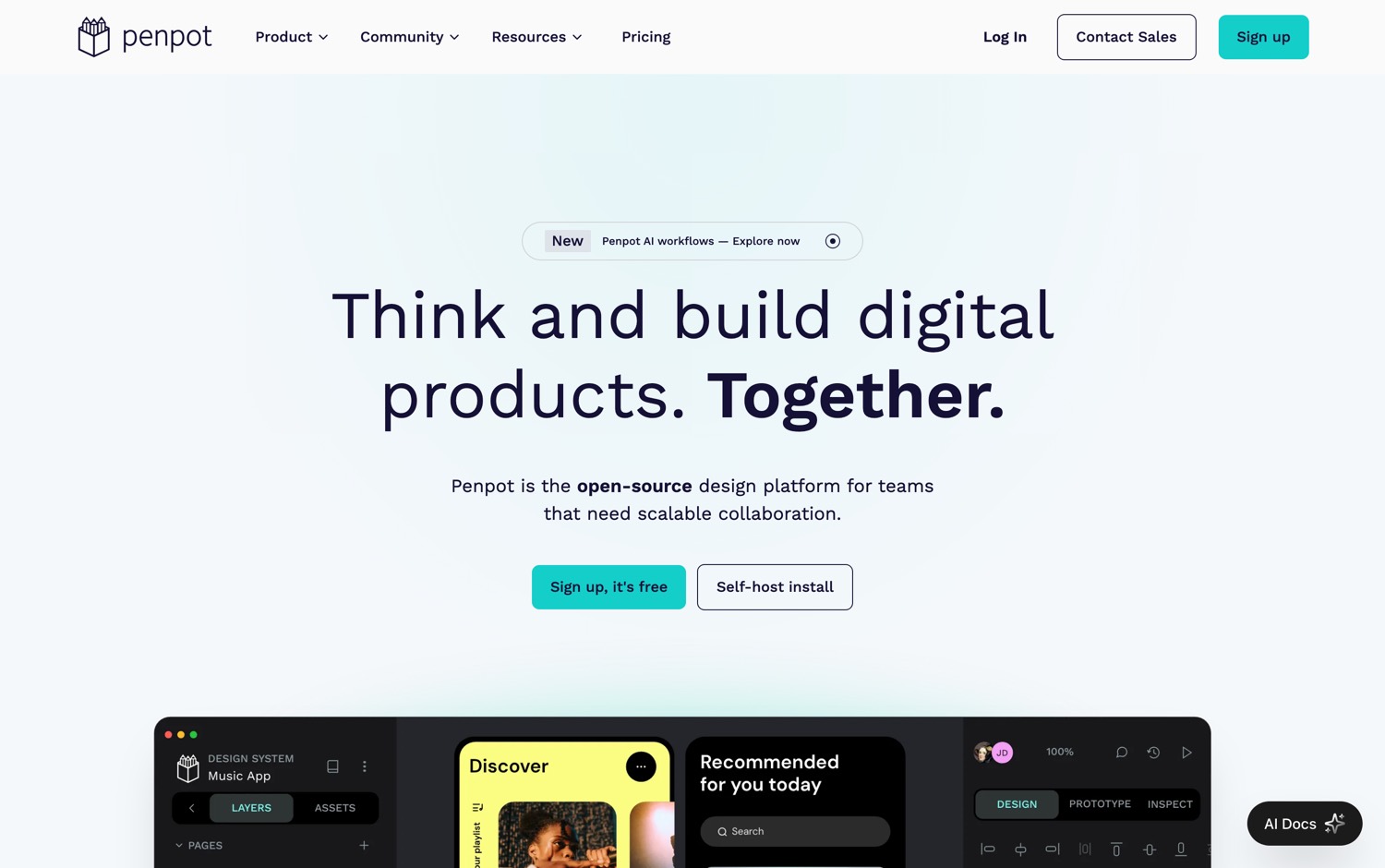
Penpot is the open source design platform for product teams.
Penpot works in the same standards the web is actually built from. So when your developer opens a file they get code they can use directly.
A Figma file is a proprietary document that describes a website. A Penpot file is closer to being one.
Here is what Penpot ships:
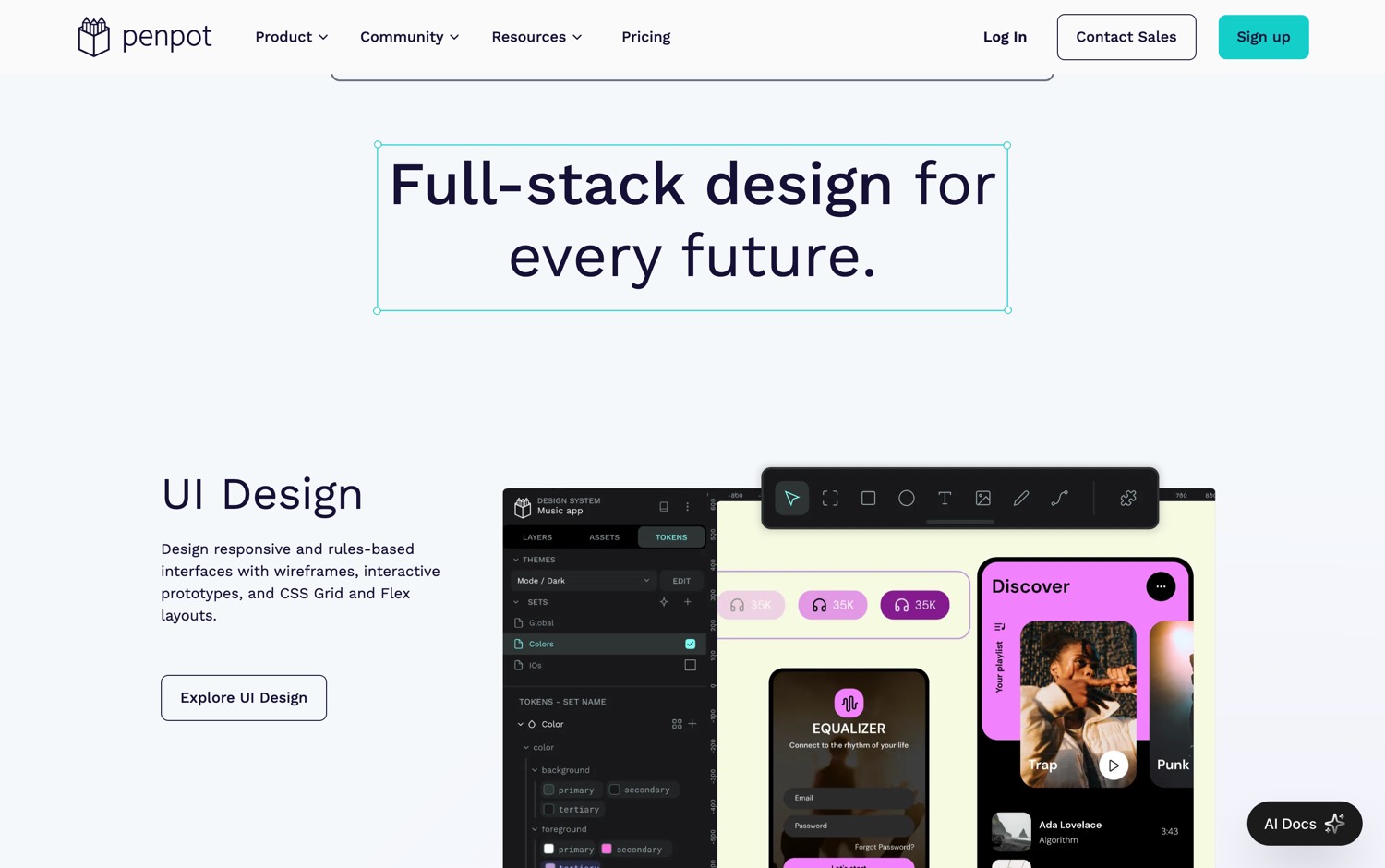
…what Penpot ships, continued
Worth Noticing:
This is a real open source licence, but it is still a company product with a hosted offering, and self-hosting it is a heavier lift than most tools on this list. Running it is supported and documented. Debugging it at 2 in the morning is a different question. Know which one you are signing up for.
But:
Calendly charges you money so that other people can book time with you.
$10 a seat a month. $16 a seat on teams. Enterprise starts at $15,000 a year.
$15,000. For a link to a calendar.
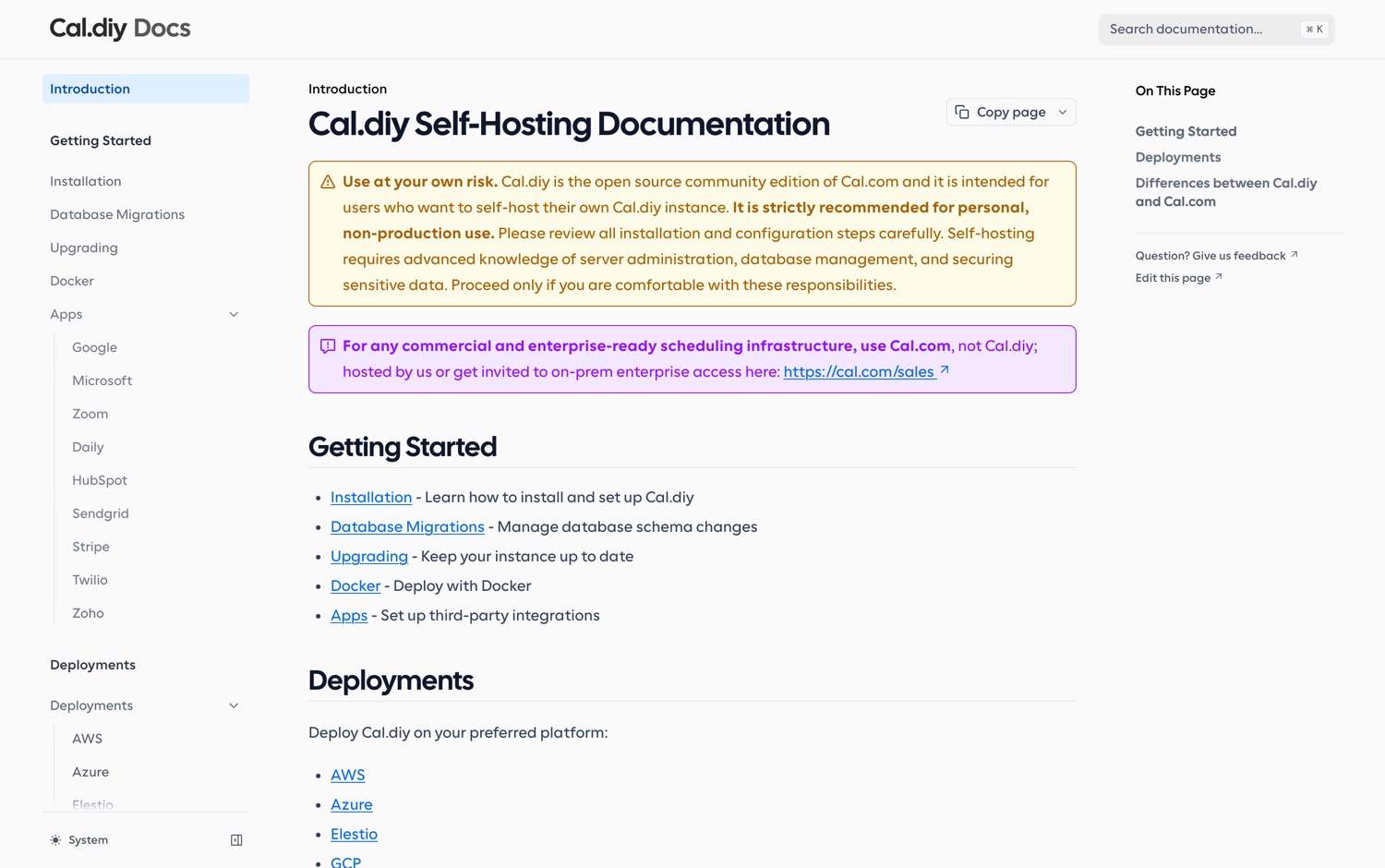
Then the team behind the biggest open source scheduler stripped every commercial feature out of their own code and left the rest under the MIT license.
cal.diy is the community-driven scheduling platform. 100% MIT. There is no enterprise edition sitting underneath it waiting to be unlocked, because they deleted it on purpose.
Here is what cal.diy ships:
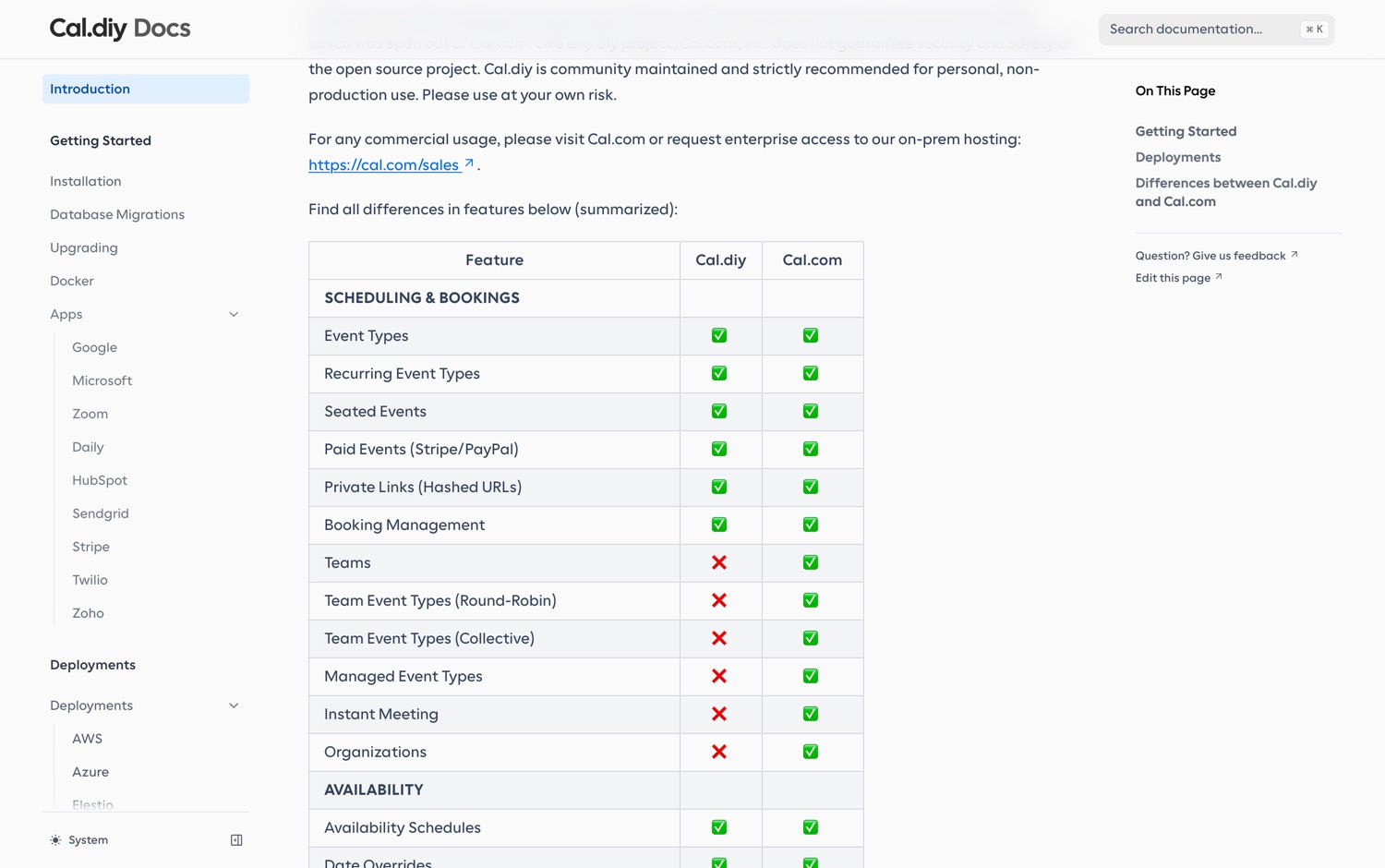
…what cal.diy ships, continued
Worth Noticing:
This is the biggest one on this list. Teams, Organizations, Insights, Workflows, and single sign-on have been removed. They were the enterprise features and they went with the enterprise code. If you are one person with one booking link, this is a gift. If you are a company with a sales team that needs round-robin routing, this is not the version for you.

But:
Your newsletter gets more expensive every time somebody subscribes to it. That is not a bug in the pricing. That is the pricing.
Mailchimp's free tier stops dead at 250 contacts. After that you are on a paid plan, and the price climbs to $350 a month as your list grows.
You built the audience. They priced it.
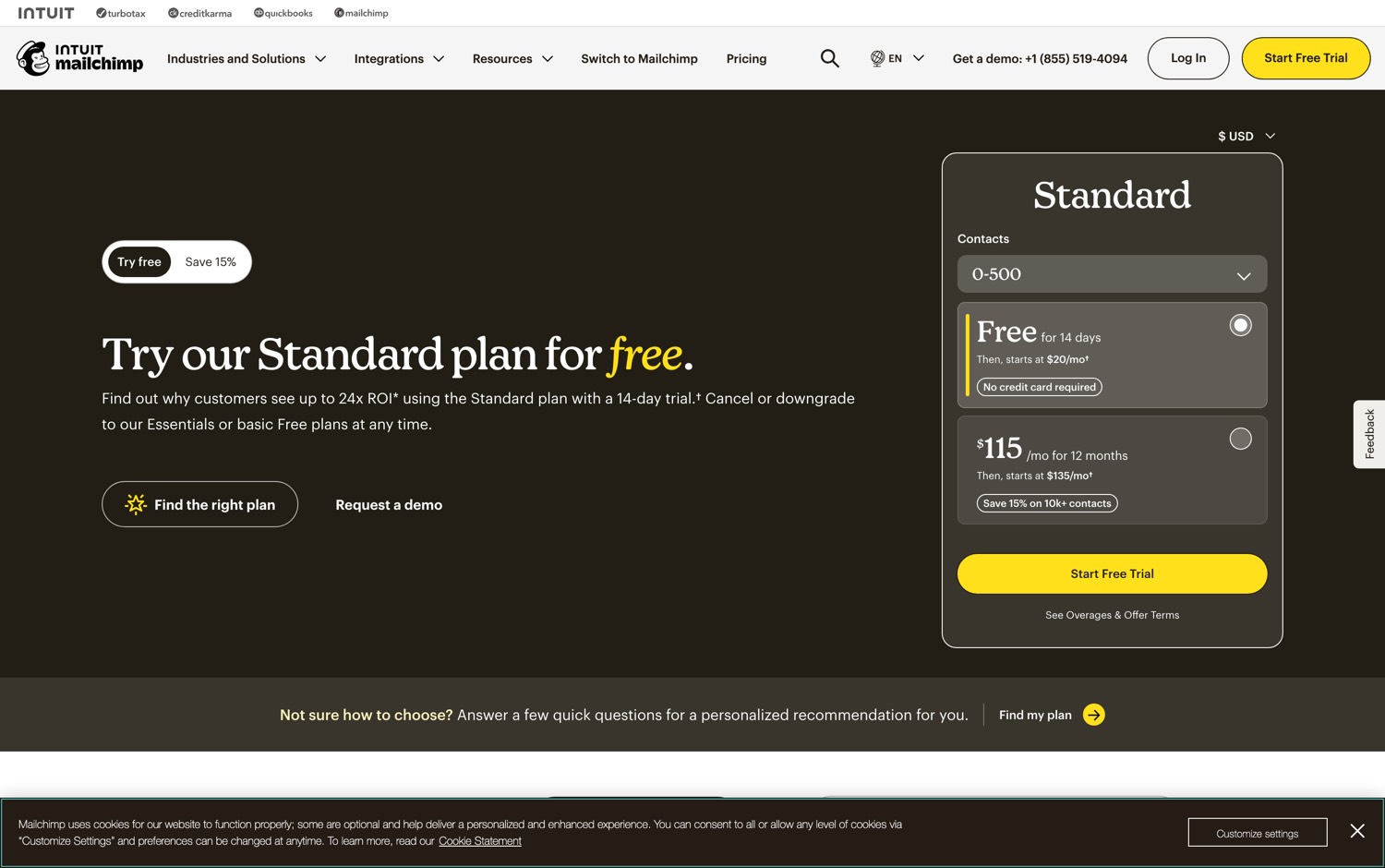
There is a self-hosted mailing list manager that does the same job and does not care how many people subscribe.
It's called listmonk.
One thing to know going in: you inherit deliverability. Getting into inboxes instead of spam folders was the part you were actually renting.
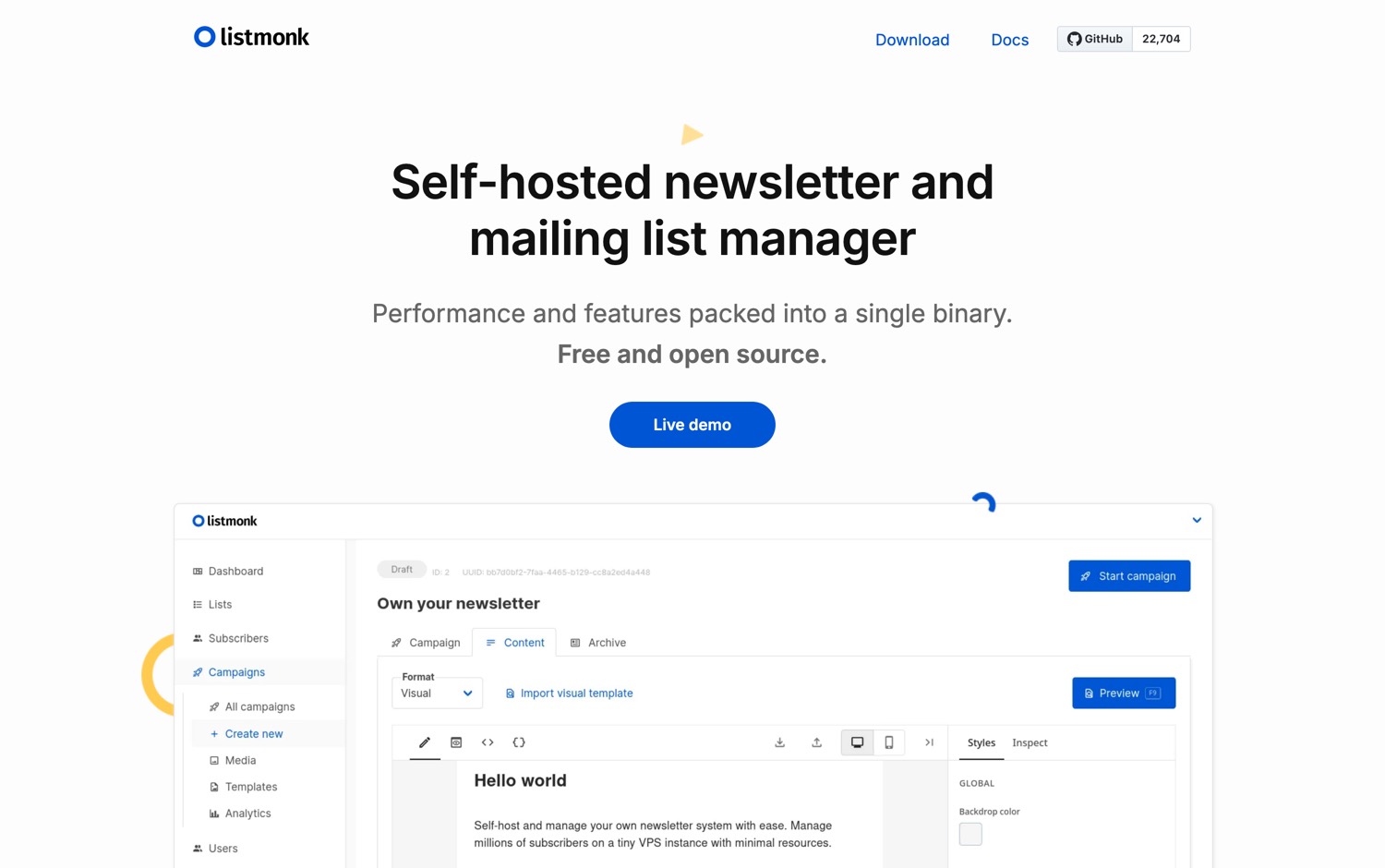
listmonk can never raise your price per subscriber. Because there is no price per subscriber.
Here is what listmonk ships:
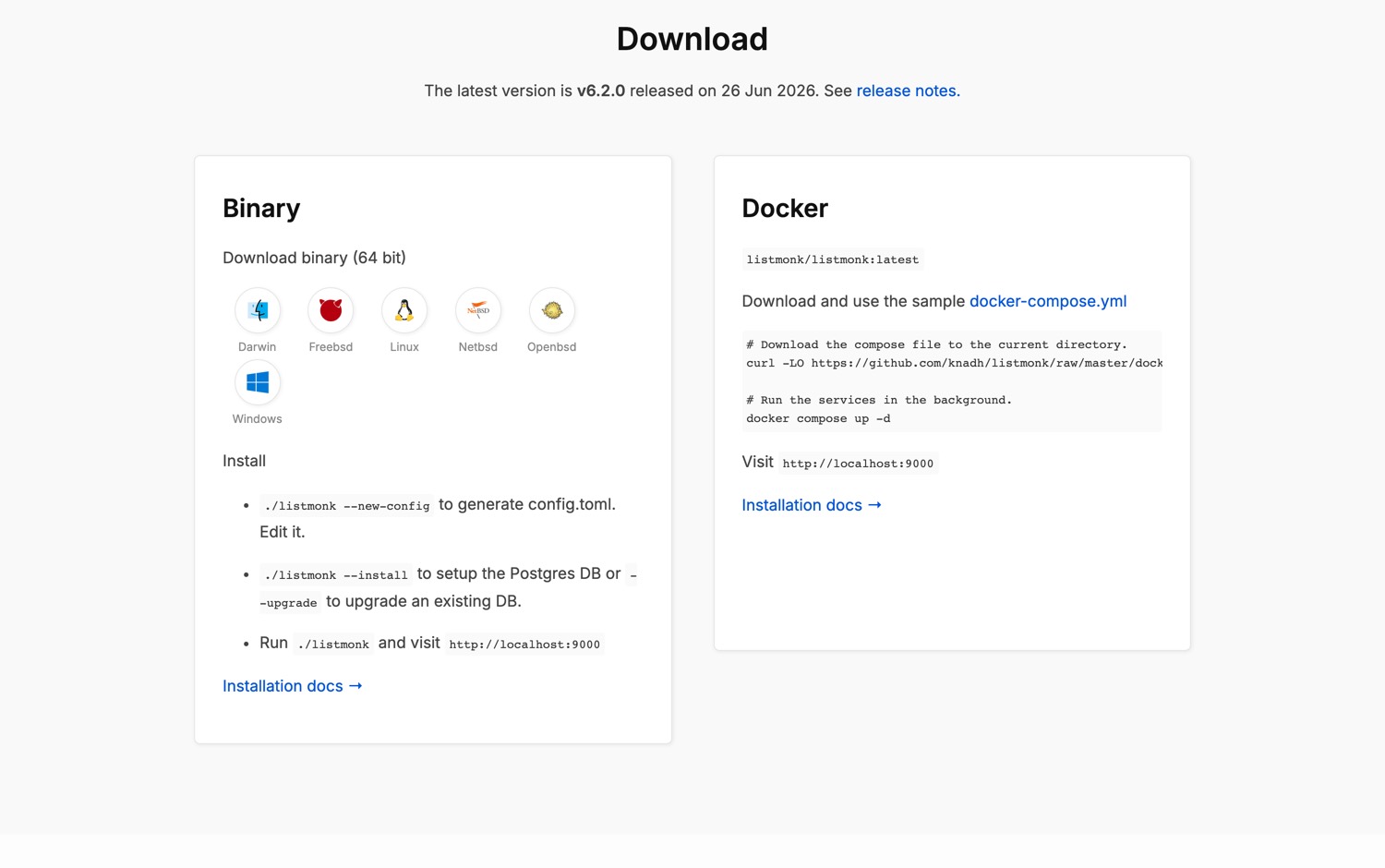
…what listmonk ships, continued
Bitly's free plan gives you 5 links a month.
5.
Not 500. Not 50. 5 redirects, and then you have used up your month.
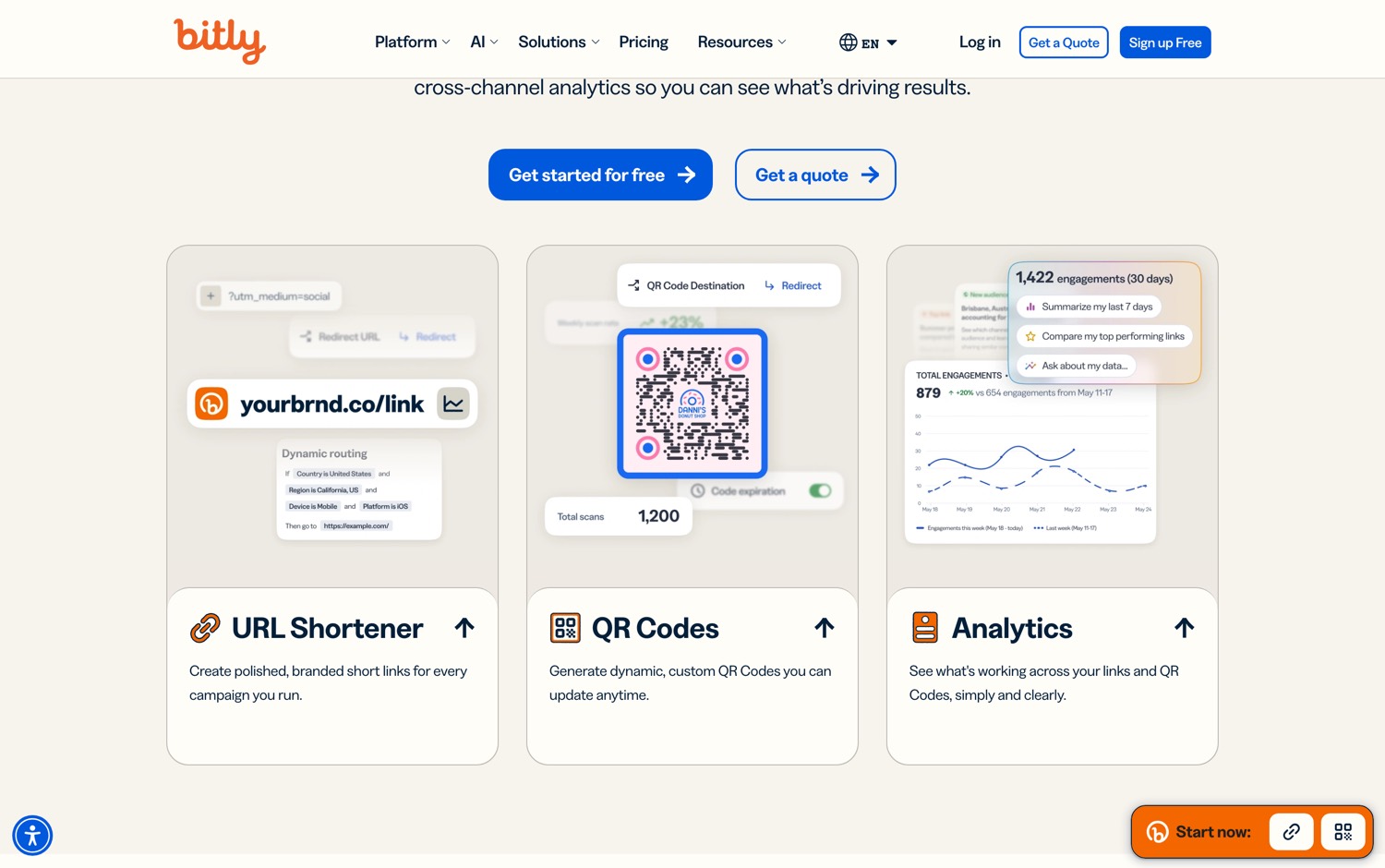
At the top of their pricing it is $300 a month, and even there you are capped at 3,000 links. To point one address at another address.
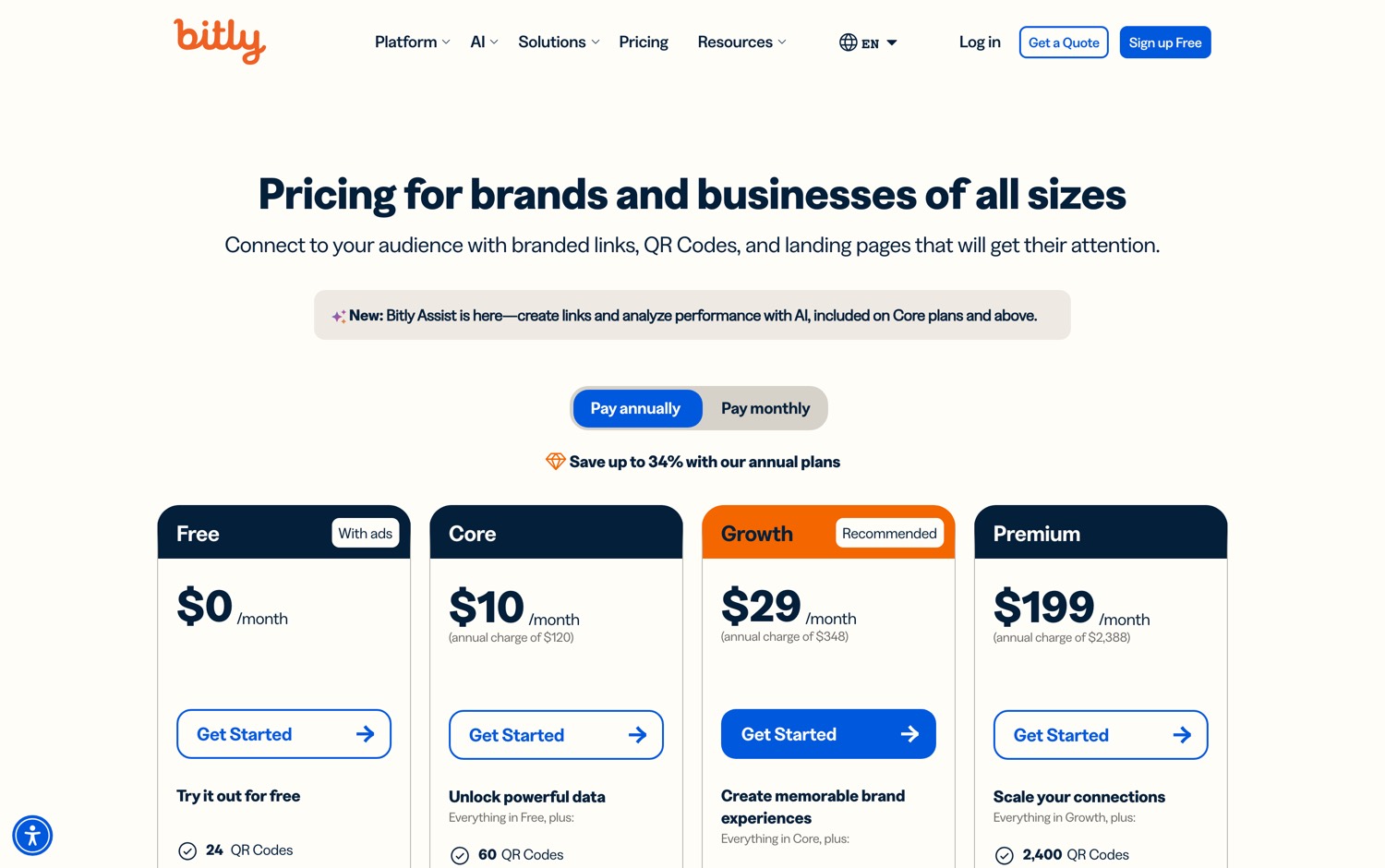
Then a team built the modern version and open sourced almost all of it.
The repo went up in August 2022, and it is not a toy. Their own README names the customers: Twilio, Buffer, Framer, Perplexity, Vercel, and Laravel. These are companies with real marketing operations who could pay Bitly and chose not to.
Dub is the open source link attribution platform.
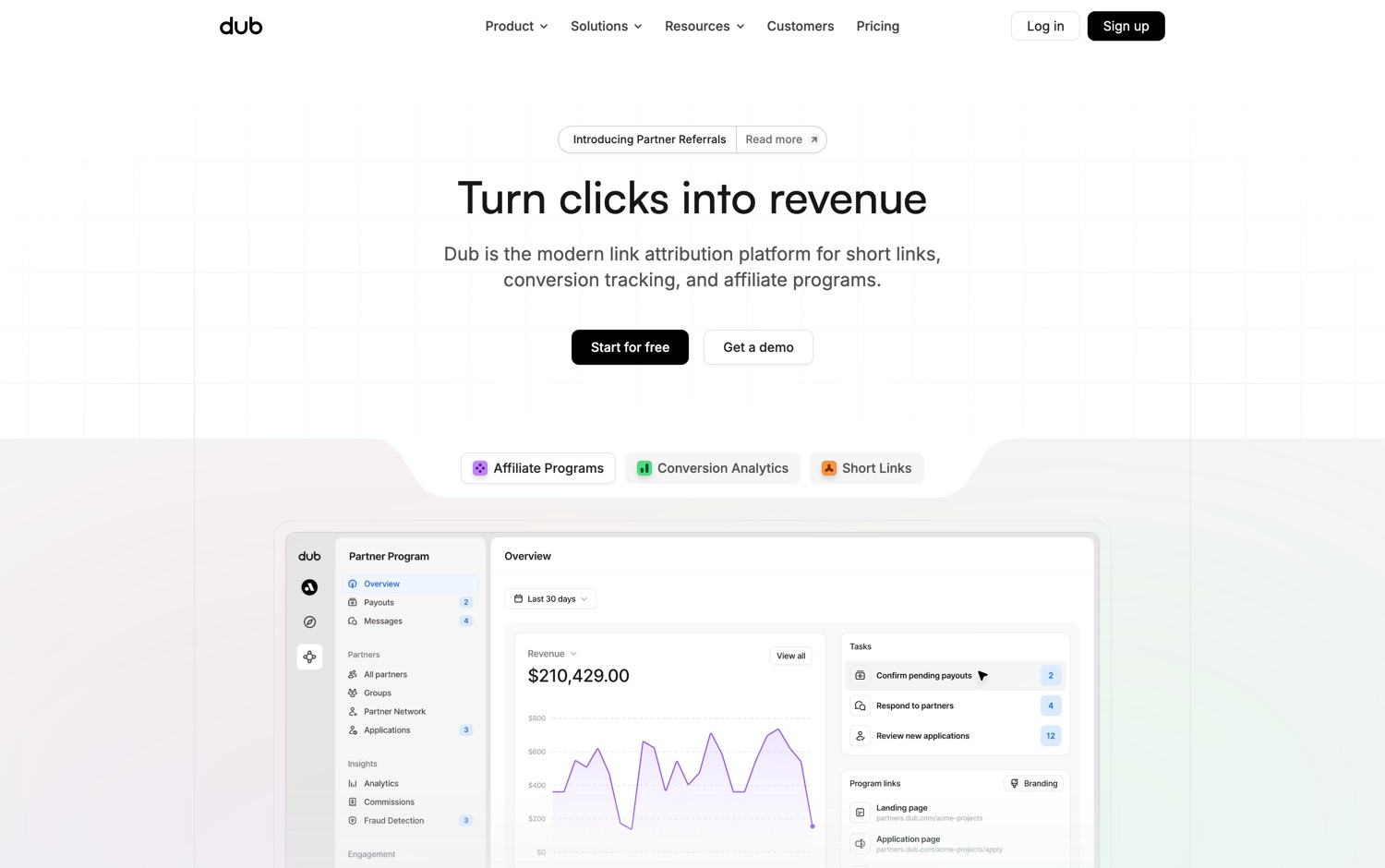
But look at what they are actually competing on. Dub is not competing on redirects, it is competing on attribution. Bitly tells you a link was clicked. Dub is built to tell you the click became a customer, with conversion tracking and affiliate program support wired in. That is the expensive part of the marketing stack, and it is sitting in a public repository anybody can read.
Here is what Dub ships:
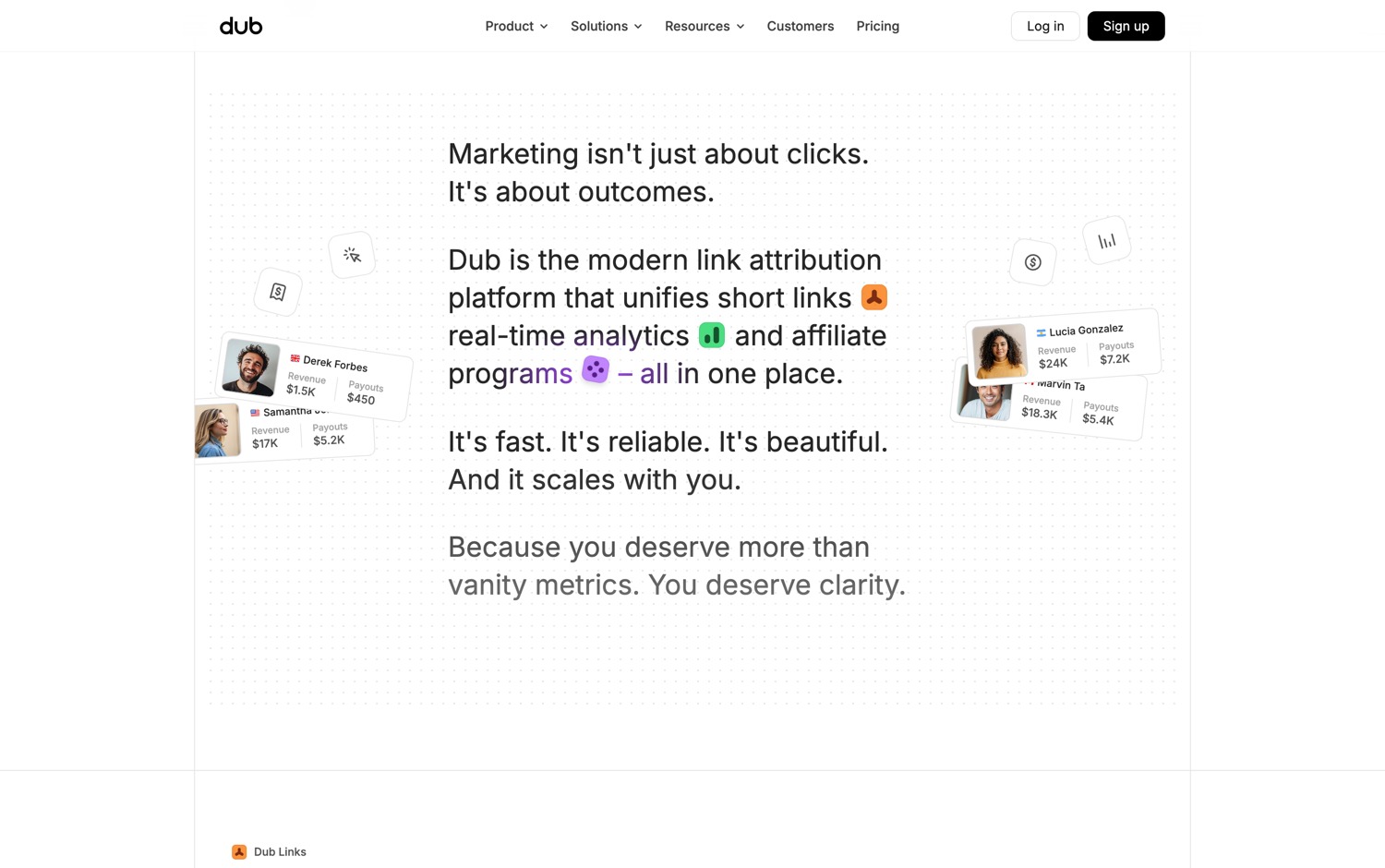
…what Dub ships, continued
Worth Noticing:
Read this one before you deploy. Dub is open core. Almost all of the code is free and yours. A small set of enterprise folders sits under a separate commercial licence, and running those in production requires a paid subscription. The main product is genuinely yours. That one directory is not, and it ships in the same download.
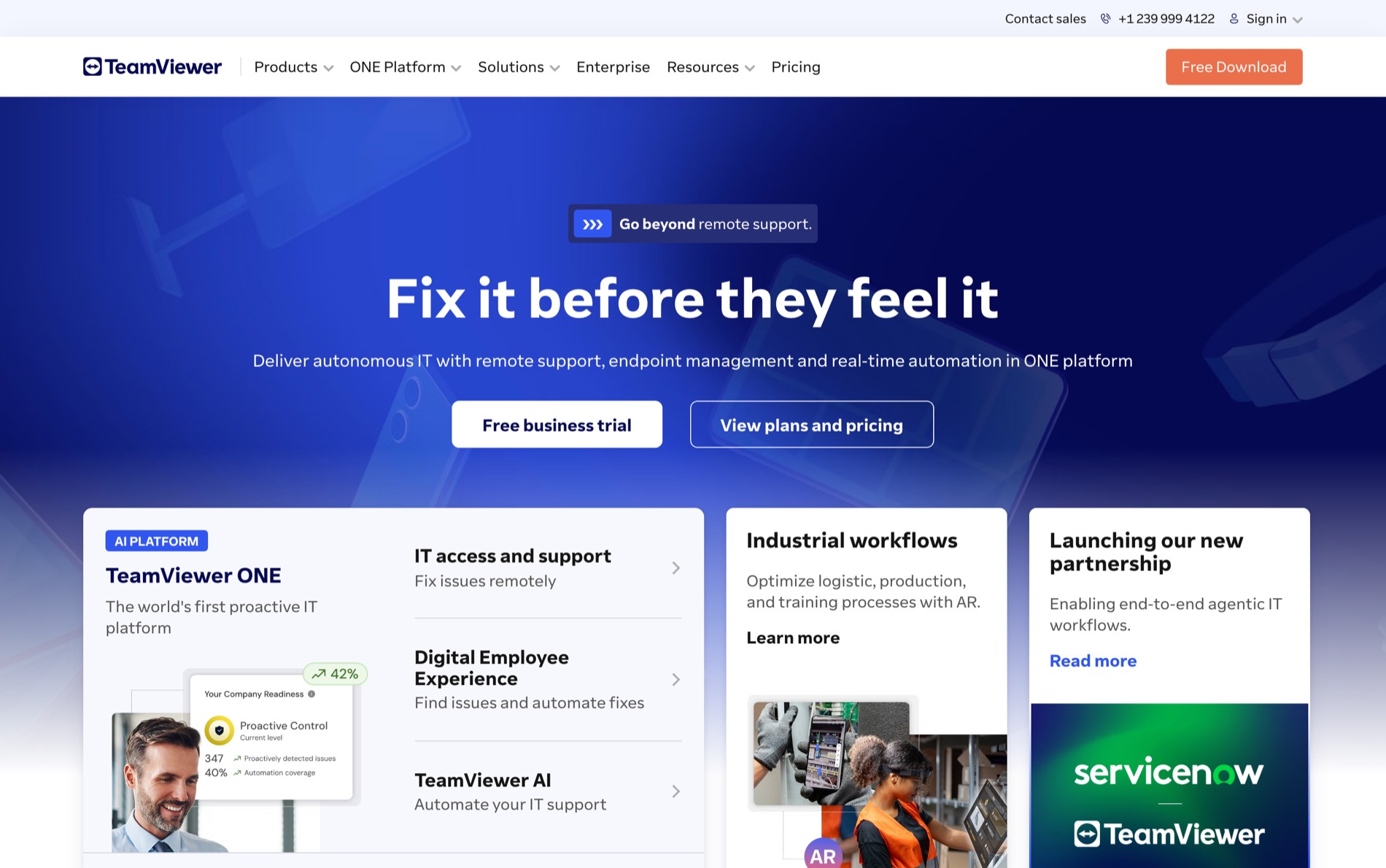
You are on the phone with your mother. Her printer will not print. You connect to her computer with TeamViewer, and 40 seconds in, the session drops.
Commercial use detected.
You were not conducting commerce. You were finding a printer driver for a woman in her 70s. But the software decided you looked like a business, and there is no appeal, and the only way out is a subscription that runs to a couple of hundred dollars a month at the top.
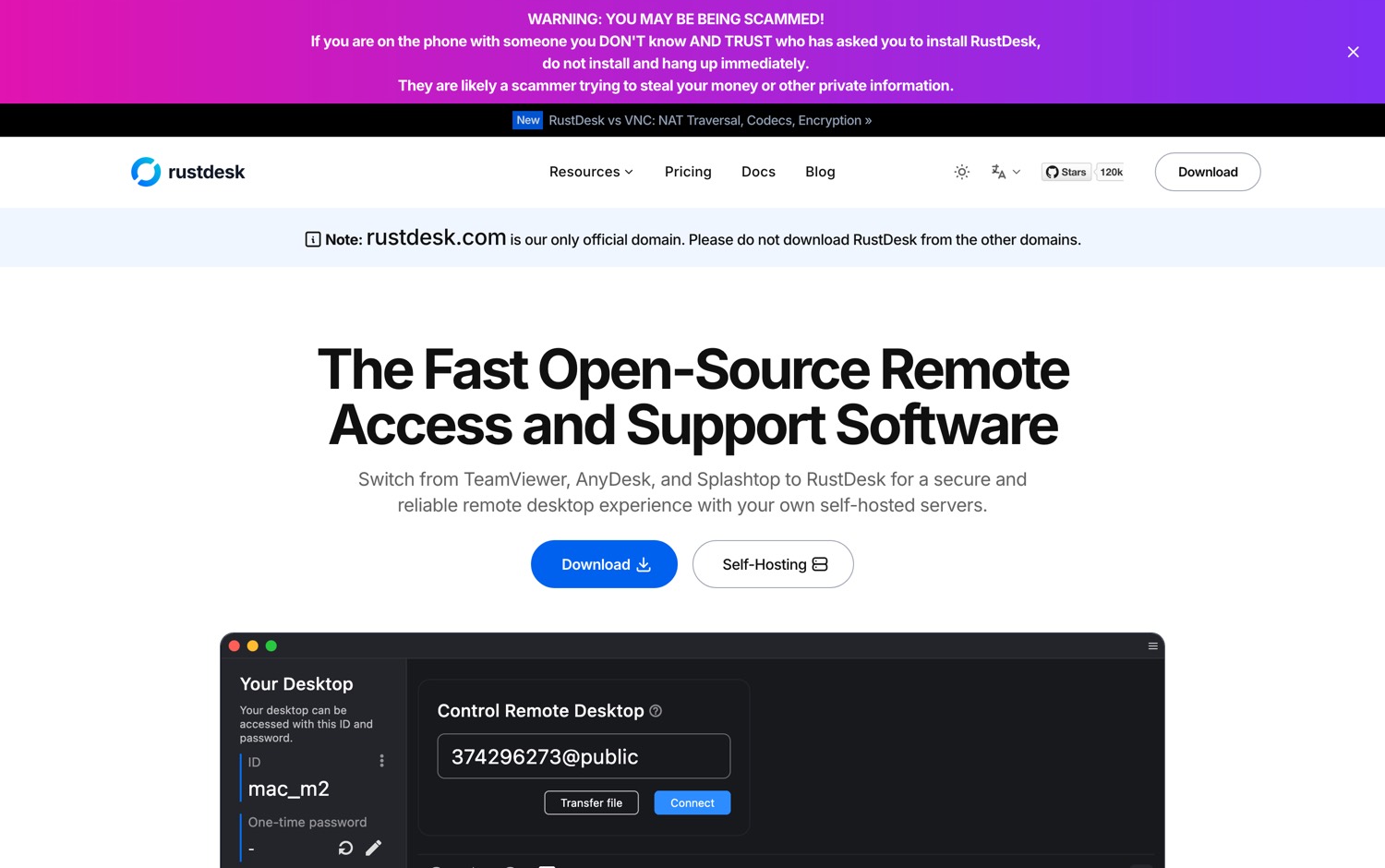
Then someone wrote the replacement in Rust and gave it away.
RustDesk is the open source remote desktop built for self-hosting.
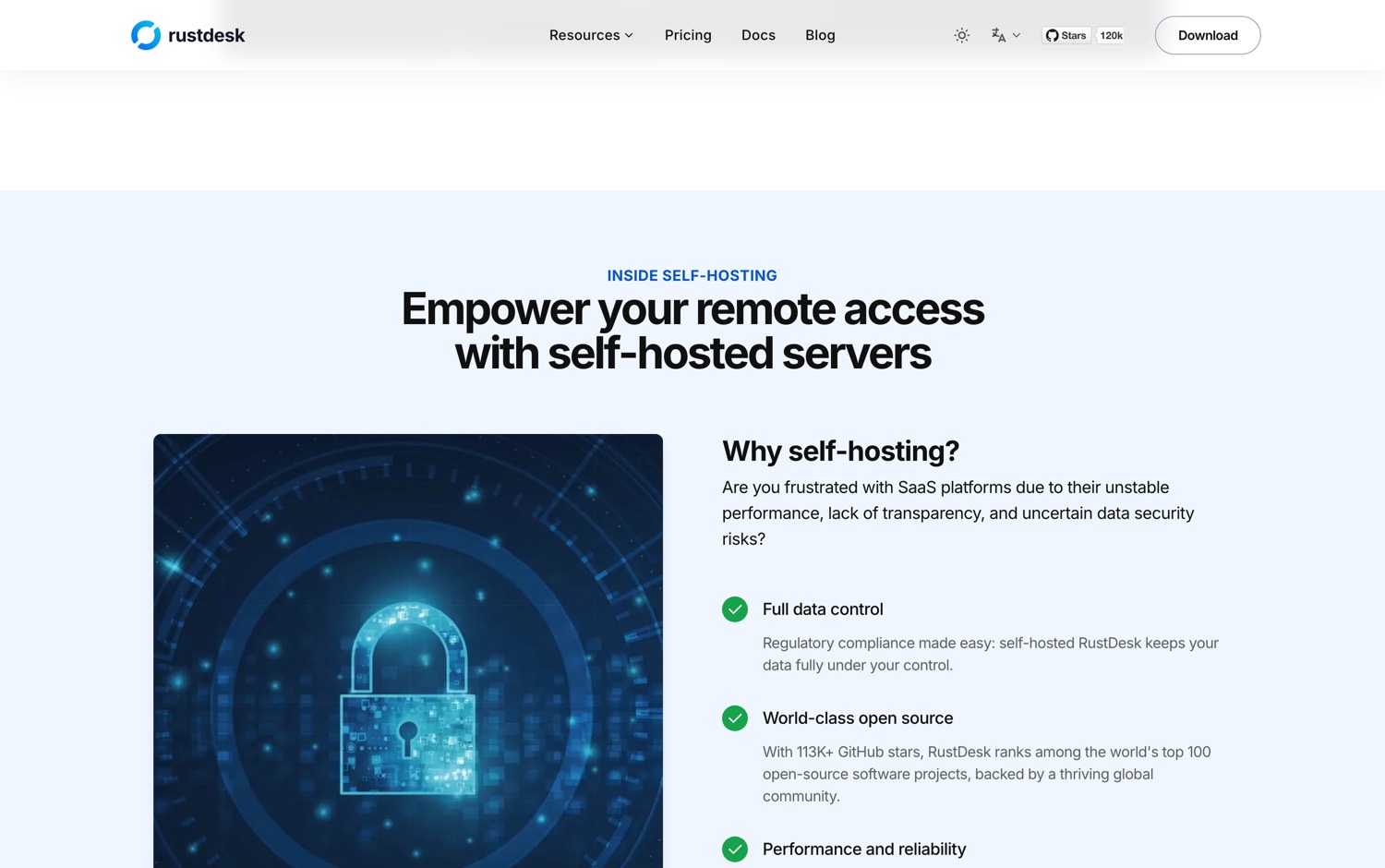
And here is the entire argument. You can run your own relay server. Not their cloud with a privacy promise attached to it. Your box, your address, your bandwidth, your logs. The README gives you 3 options in one sentence: use theirs, set up your own, or write your own. Almost no commercial remote desktop product will let you take the middle piece of the connection into your own building. That middle piece is the entire product.
Here is what RustDesk ships:
Worth Noticing:
When you self-host the relay, you own the uptime. TeamViewer's real product was never the viewer, it was a global relay network that works at 11 at night from a hotel. If your relay box goes down, your remote access goes down, and you will find out at the worst possible moment. Put it somewhere with a proper uptime story, and watch it.
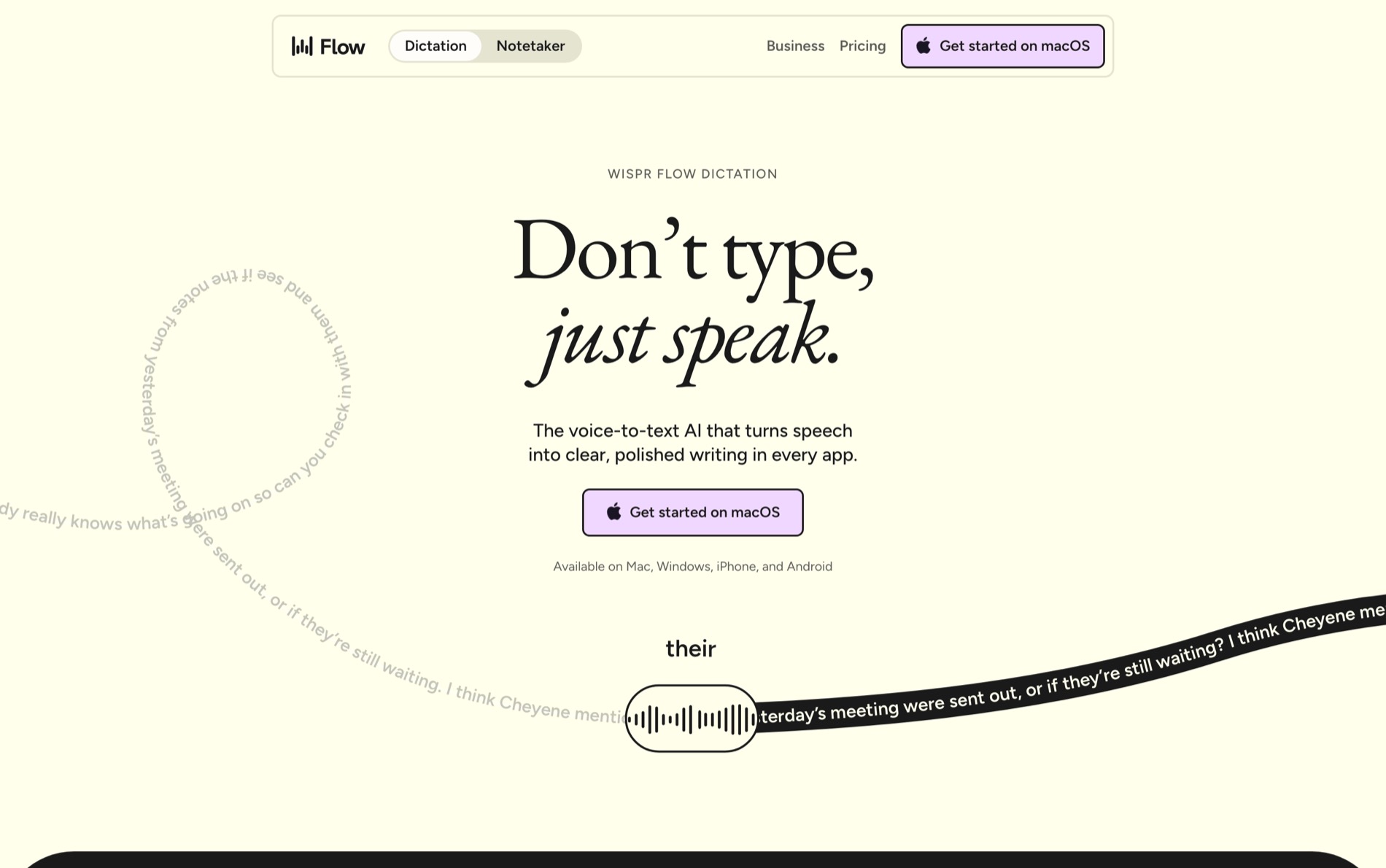
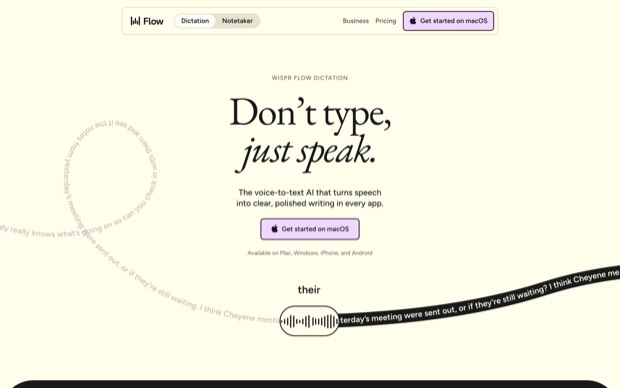
Wispr Flow listens to your voice.
Wispr Flow sends your voice to a server you do not own.
Wispr Flow decides how many words you are allowed to say.
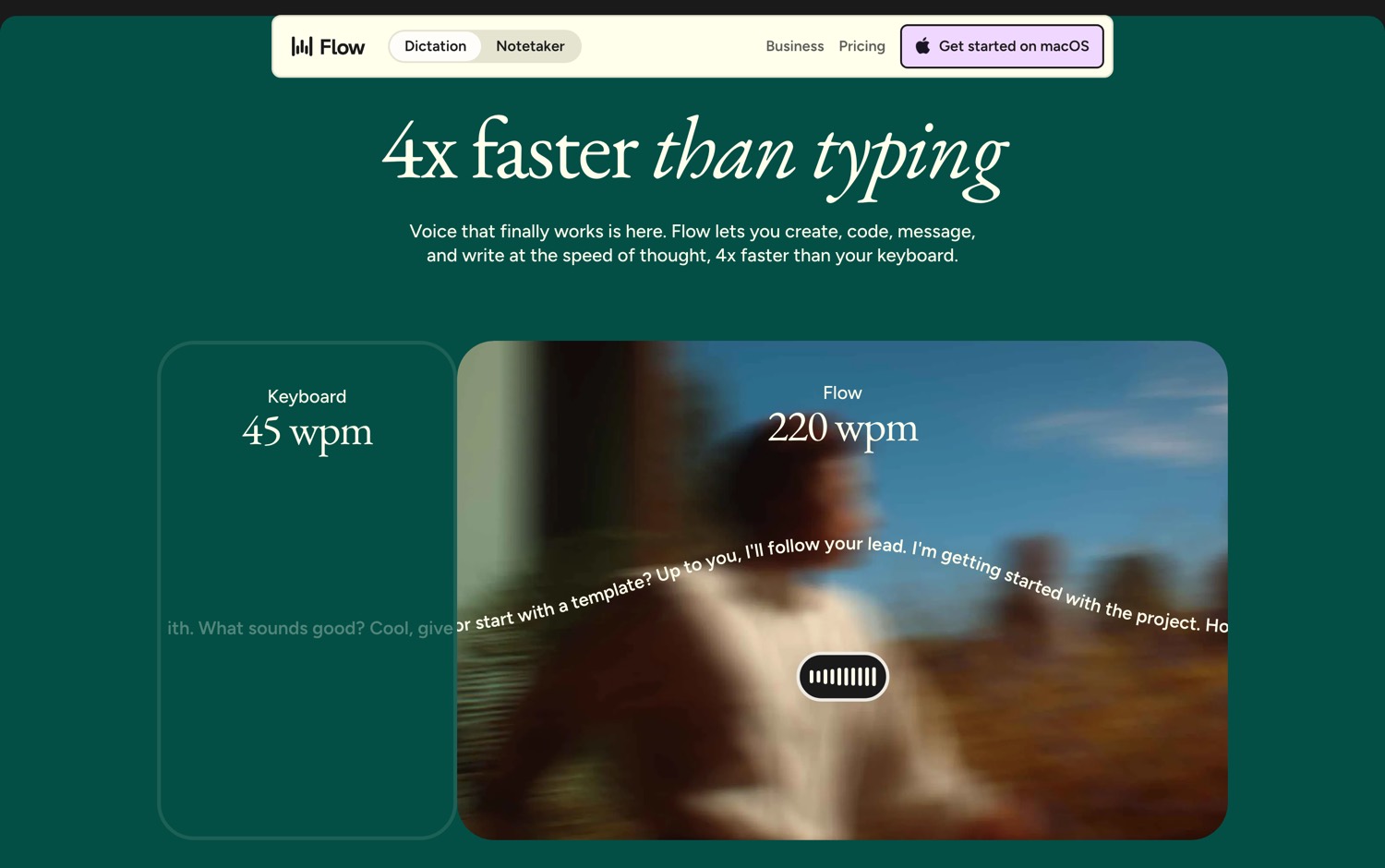
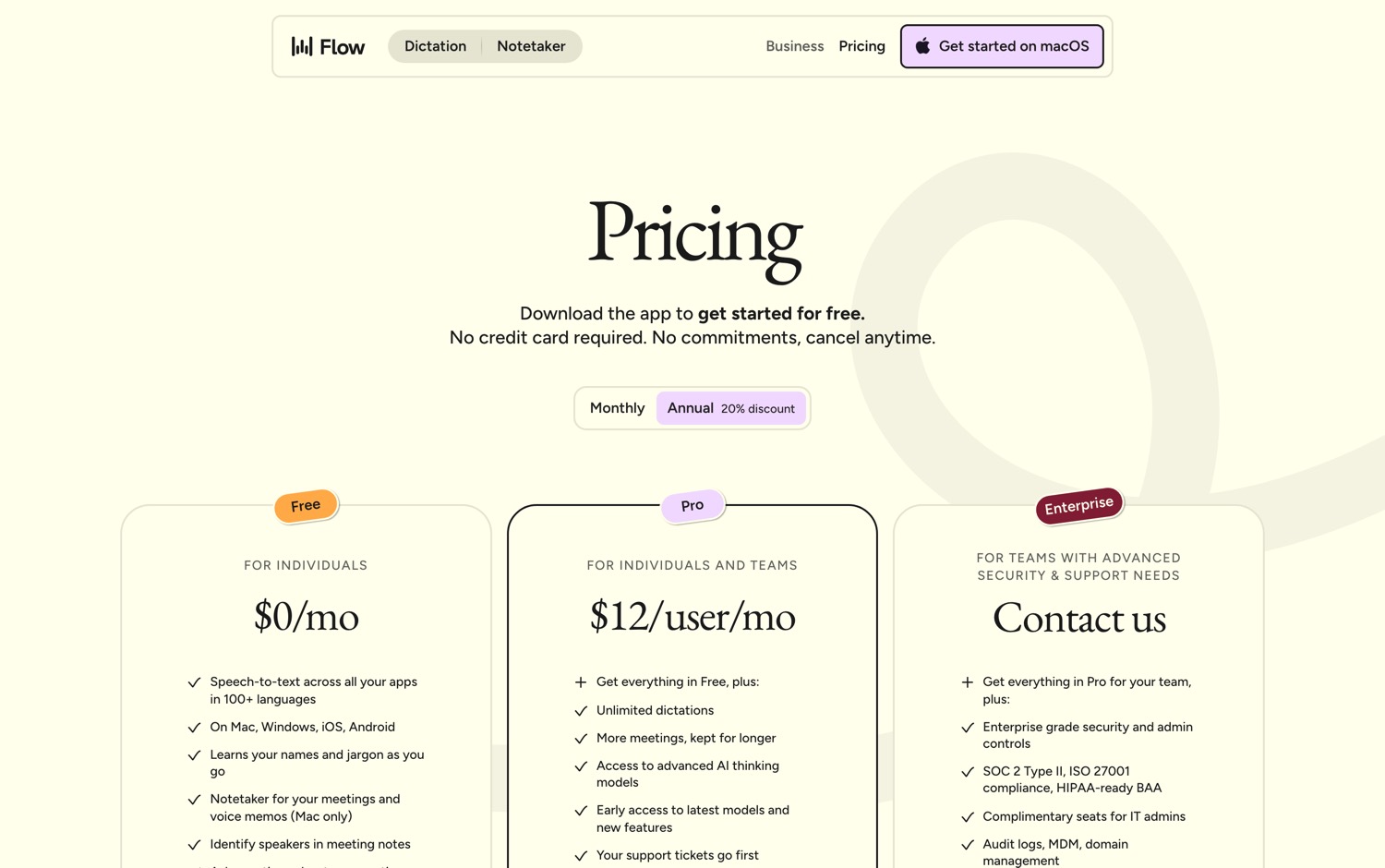
2,000 a week on the free plan. That is about 15 minutes of talking. 15 minutes, and then the thing that turns your speech into text stops working until the week rolls over. $15 a month to lift the cap.
And your voice goes to someone else's computer. Considering what we say to our devices today, that's a privacy risk.
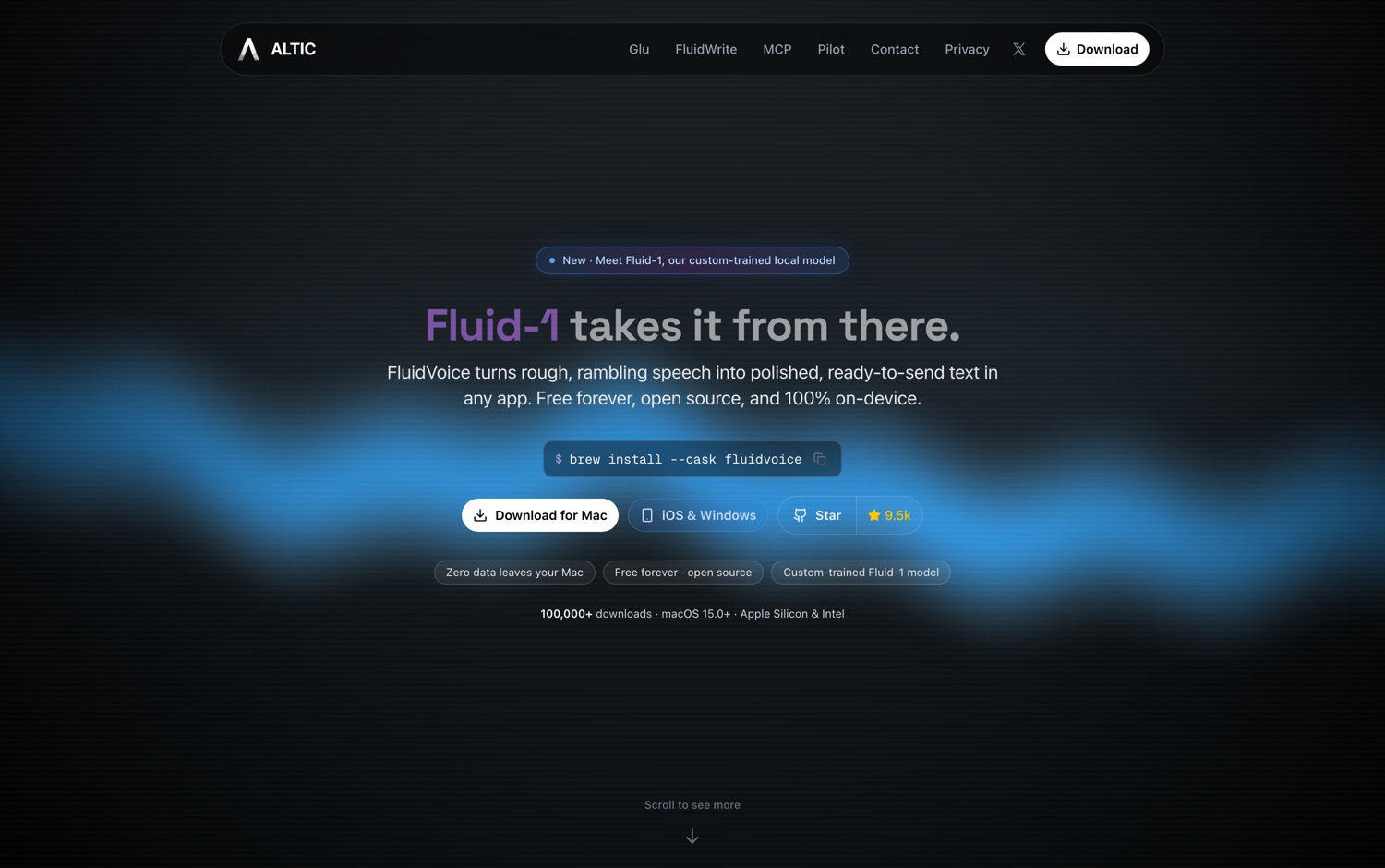
The repository went up in September 2025. Less than a year later it has 9,500 stars, 634 forks, 53 releases, and it is still shipping every week. It is written in Swift.
FluidVoice is the local, open source alternative to Wispr Flow.
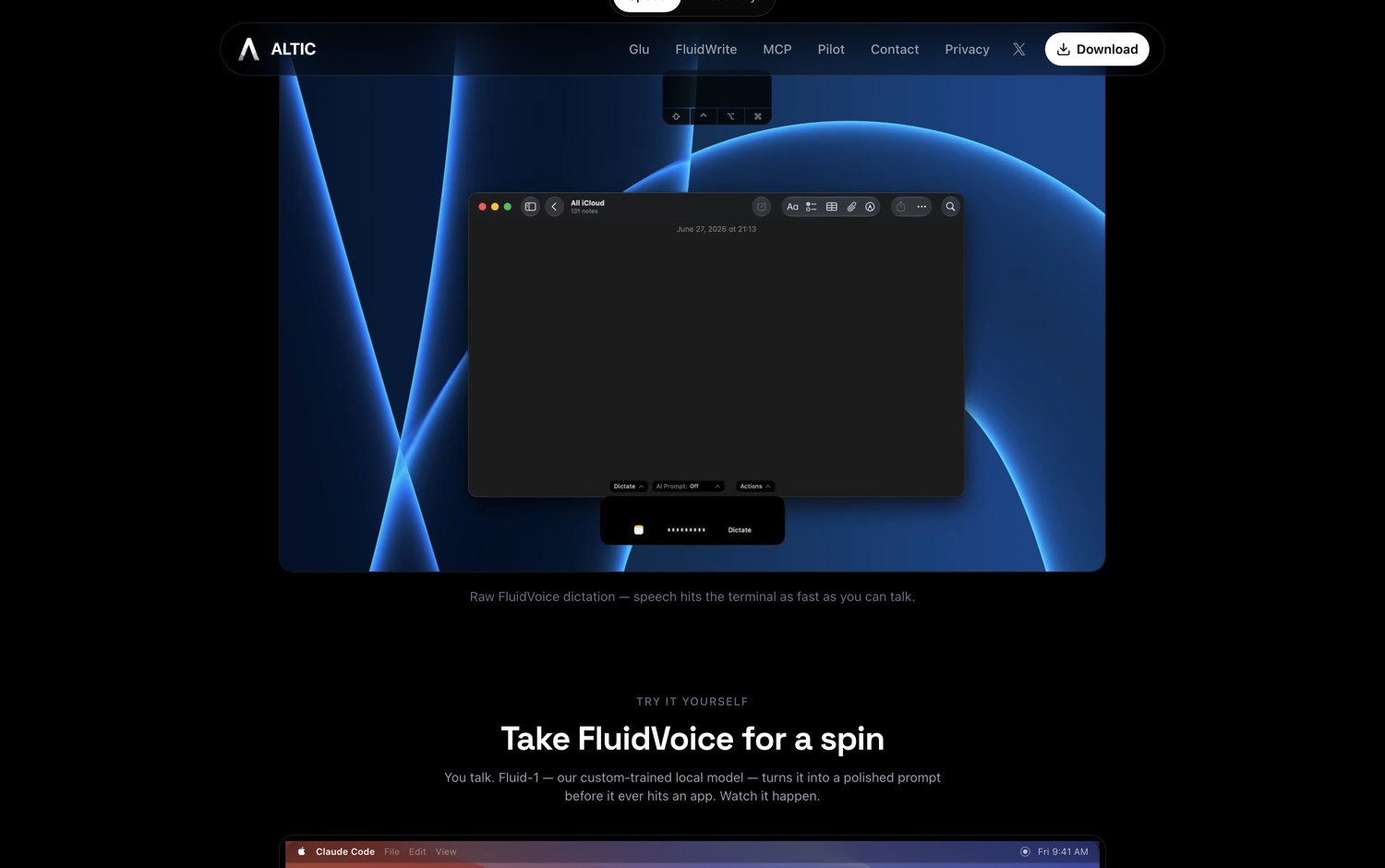
And here is the whole point. The dictation runs on your machine. Not encrypted in transit. Not deleted after 30 days. It never leaves at all. You can pull the wifi out and keep talking. Cloud options exist if you want them, and they are switched off until you turn them on. Even the analytics are opt-in.
Here is what FluidVoice ships:
…what FluidVoice ships, continued
Worth Noticing:
This is a hard limit rather than a footnote. This is macOS only. You need a recent version of macOS, and an Apple Silicon machine for the fast models. Windows and iOS are a waitlist. Linux is a promise. If your team is on Windows, this is not your tool yet.